Compare Revideo and InVID-WeVerify for video verification and deep video investigation. Explore their search capabilities, matching methods, and tools for finding original sources, verifying video evidence, and identifying matching content across the web. Learn which tool best fits the needs of journalists, fact-checkers, and OSINT investigators.
Video verification is the process of determining whether a video is real or repurposed out of context. However, checking these details manually in a video can take a lot of time, especially when you need to compare different versions of a clip or track down its original source.
Video verification tools can speed up this work. They extract keyframes, search for matching clips, and help investigators trace a video's source.
In this article, we’ll compare two of the most popular video verification tools, Revideo and InVID-WeVerify. We will see how they handle different types of video investigations and which one performs better in real-world tests.
Let’s dive in.
What is Revideo and How Does Its Deep Search Work?
Revideo is an online, AI-powered video verification tool that helps investigators find matching videos, trace potential sources, and compare edited versions across supported search engines and platforms. The findings provide leads and evidence for further investigation, rather than automatically proving a video's authenticity.
It uses advanced modern deep search techniques for video verification. You just import the video file into the tool, and it automatically extracts multiple keyframes and runs a deep search on them.
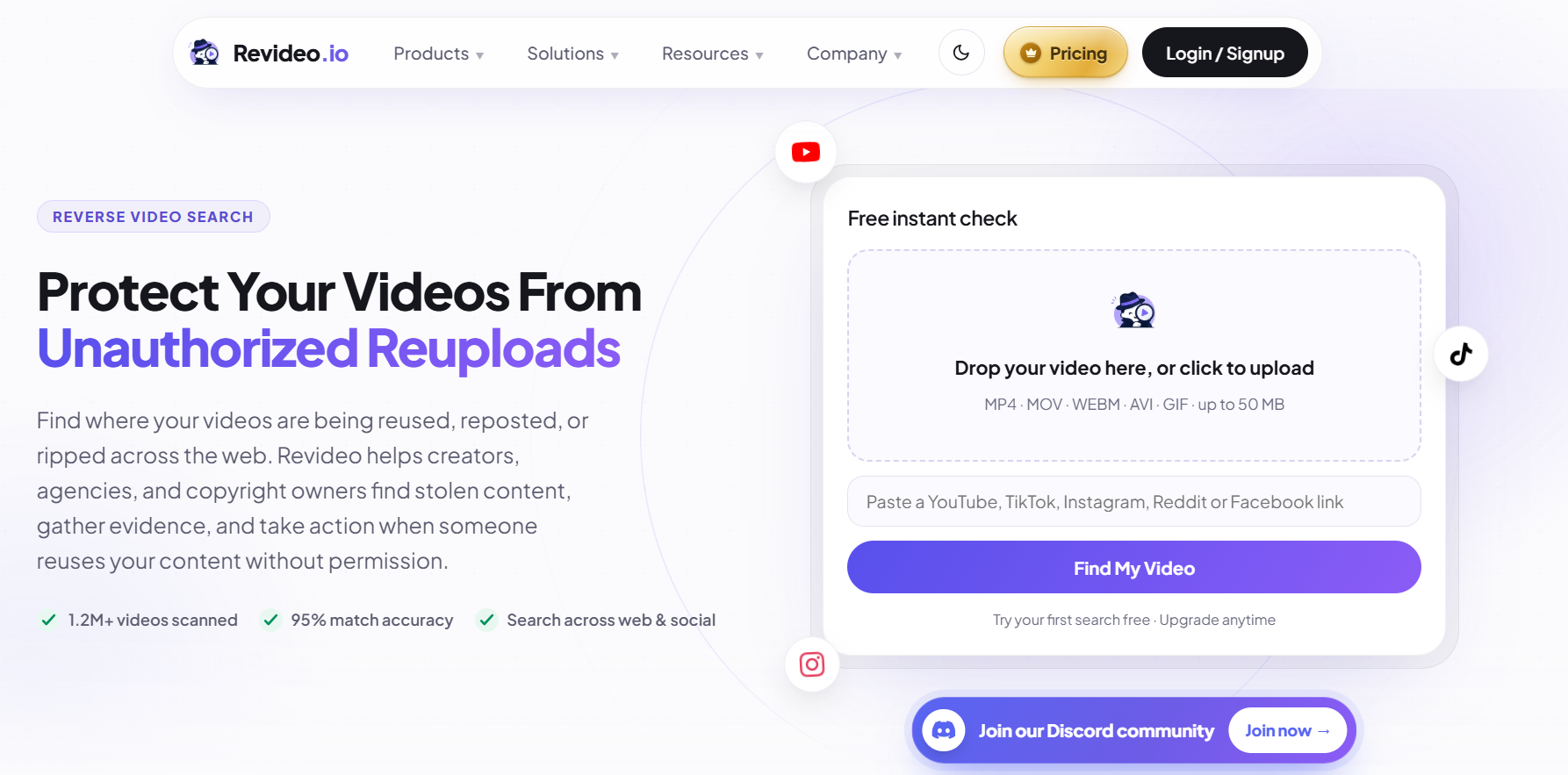
Let’s have a look at how this reverse video search tool performs a deep search on your clips and finds the truth.
How Revideo Works
The whole process is very simple. Let’s see how it works.
-
Visual Matching: It starts by matching visuals in the uploaded video and finding similar content online.
-
Audio Fingerprint: Revideo also analyzes the audio to see whether it matches the sound in any other video.
-
Subtitle Matching: By comparing the subtitles, it filters out the results using a similar transcript.
-
OCR Matching: With advanced OCR technology, this reverse video search tool also analyzes visible and clear text within each frame.
-
Metadata Matching: Important details like captions, hashtags, background music, and video titles are also used as a matching signal to locate similar results.
-
Thumbnail Verification: Lastly, it compares the video’s thumbnail and discovers other clips using the same one.
Revideo isn’t just limited to a specific search engine or social platform, but it performs reverse search across all of them simultaneously. This means that whether the real video or source is uploaded on Google, Yandex, Instagram, or X, the tool will find it and give you the source link.
What is InVID-WeVerify and How Does it Verify?
InVID-WeVerify is a popular choice among journalists and influencers, which they use to verify videos online and find the truth behind them. It’s a free Google extension that uses a traditional reverse image search method to debunk complete videos in seconds.
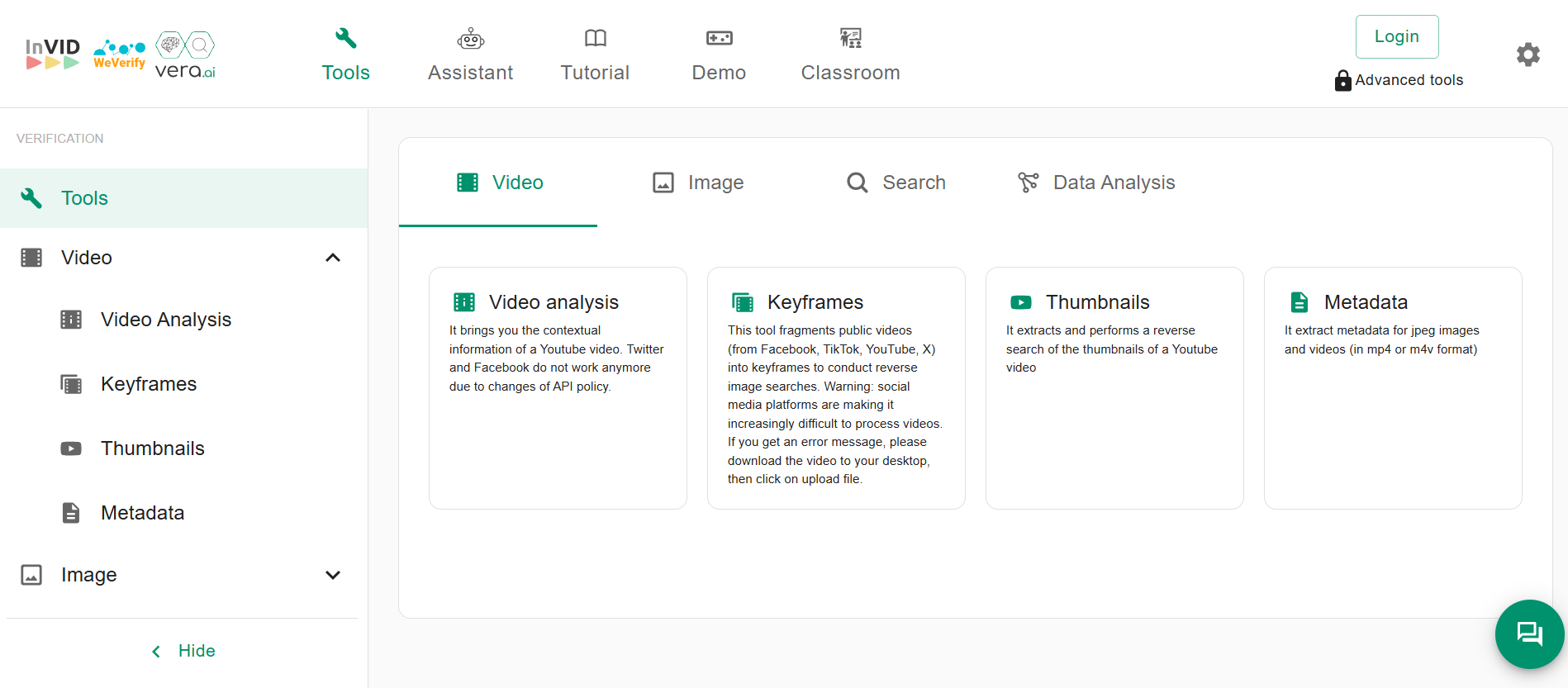
How InVID-WeVerify Works
-
Frame Analysis: It also starts by analyzing the video and extracting its keyframes.
-
Reverse Image Search: Once the frames are extracted, it runs reverse image searches and checks them against Google, Baidu, and Yandex indexed data to find similar or exact matches.
-
Discover Matches: These matches are displayed in the output so users can also investigate them.
These results give investigators more information to examine a video's origin and context. They still need to assess the evidence before concluding.
Features Comparison: Revideo vs InVID-WeVerify
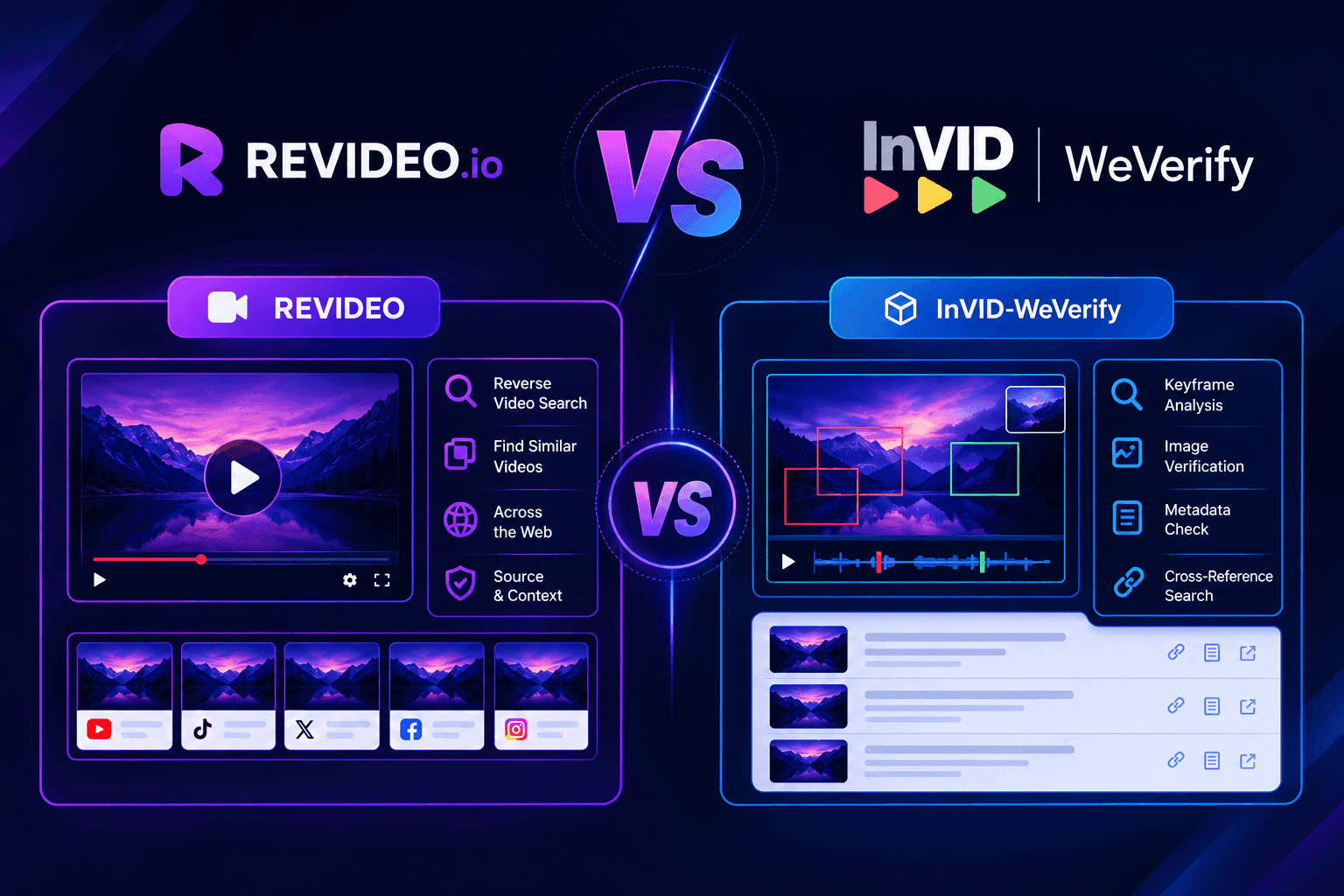
Both tools can help with video verification, but their features and approach are different. Revideo focuses on automated video analysis and searching for matching content across multiple sources, while InVID-WeVerify gives users more manual control over frames, metadata, and reverse image searches.
|
Feature |
Revideo |
InVID-WeVerify |
|
Video verification |
Yes |
Yes |
|
AI-powered analysis |
Yes |
Yes |
|
Keyframe extraction |
Yes |
Yes |
|
Reverse image search |
Automated |
Manual |
|
Visual matching |
Yes |
Limited |
|
Audio matching |
Yes |
No |
|
Subtitle matching |
Yes |
No |
|
OCR matching |
Yes |
No |
|
Metadata analysis |
Yes |
Yes |
|
Thumbnail matching |
Yes |
No |
|
Short clip search |
Yes |
Limited |
|
Cropped video search |
Yes |
Limited |
|
Multi-platform search |
Yes |
Yes |
|
Source link discovery |
Yes |
Requires manual investigation |
|
Manual investigation |
Limited |
Yes |
|
Browser extension |
No |
Yes |
|
Best suited for |
Automated deep video investigation |
Manual video analysis and frame-based research |
The main difference is how much of the verification process each tool handles automatically. Revideo combines several matching methods to search for related video content, while InVID-WeVerify provides tools that let users extract information and investigate individual frames themselves.
Real-World Testing: Revideo vs InVID-WeVerify
Time to test both tools in different scenarios and see which one performs better and how long they take to deliver results.
For testing, we will be using a video from Zack D. Films. The title of the video is “The 10-Second Time Machine.”
Test 1: Original Video
Straight from YouTube, let’s upload the video into both of these reverse video search tools and check their output.
Revideo:
Here’s what Revideo delivered to us.
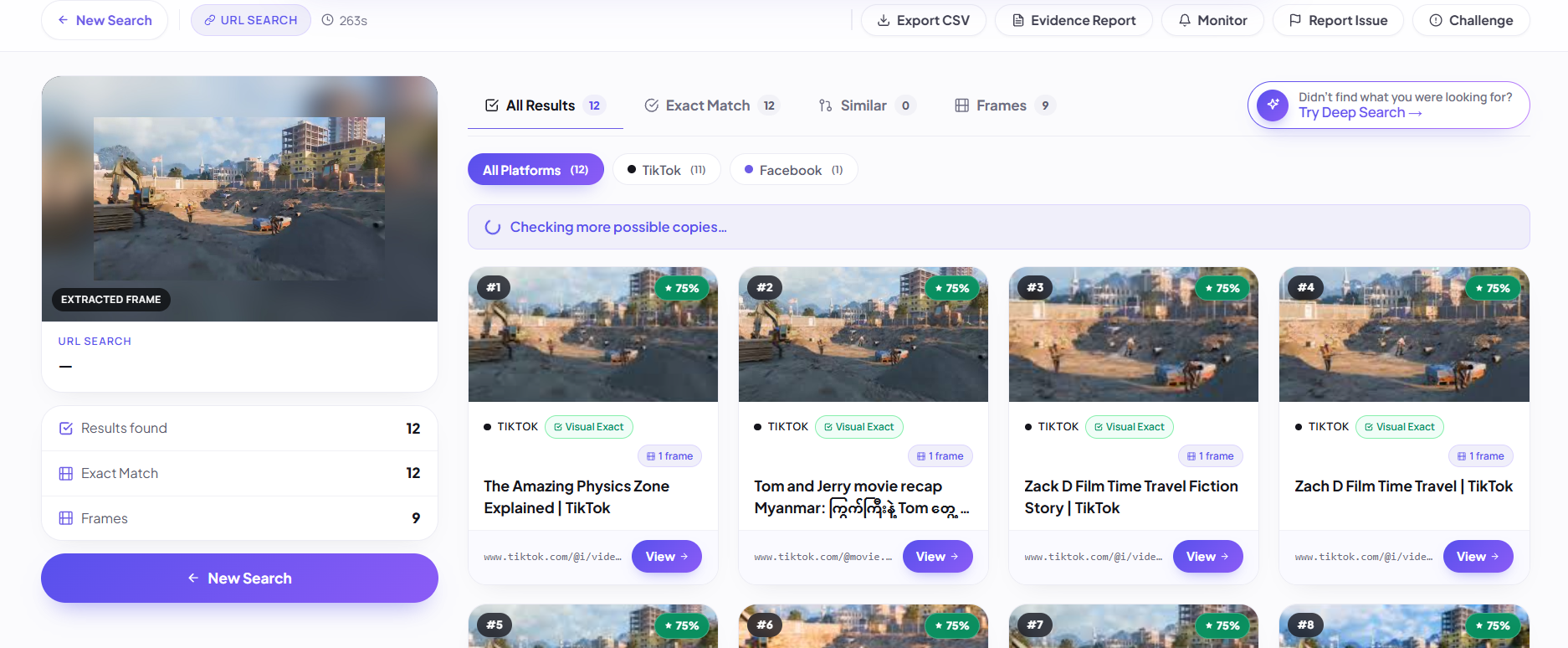
As you can see, the tool checked across multiple platforms and search engines and only located the exact matches, along with their source links.
InVID-WeVerify:
Once we uploaded the video into InVID-WeVerify for analysis, here’s what it provided.
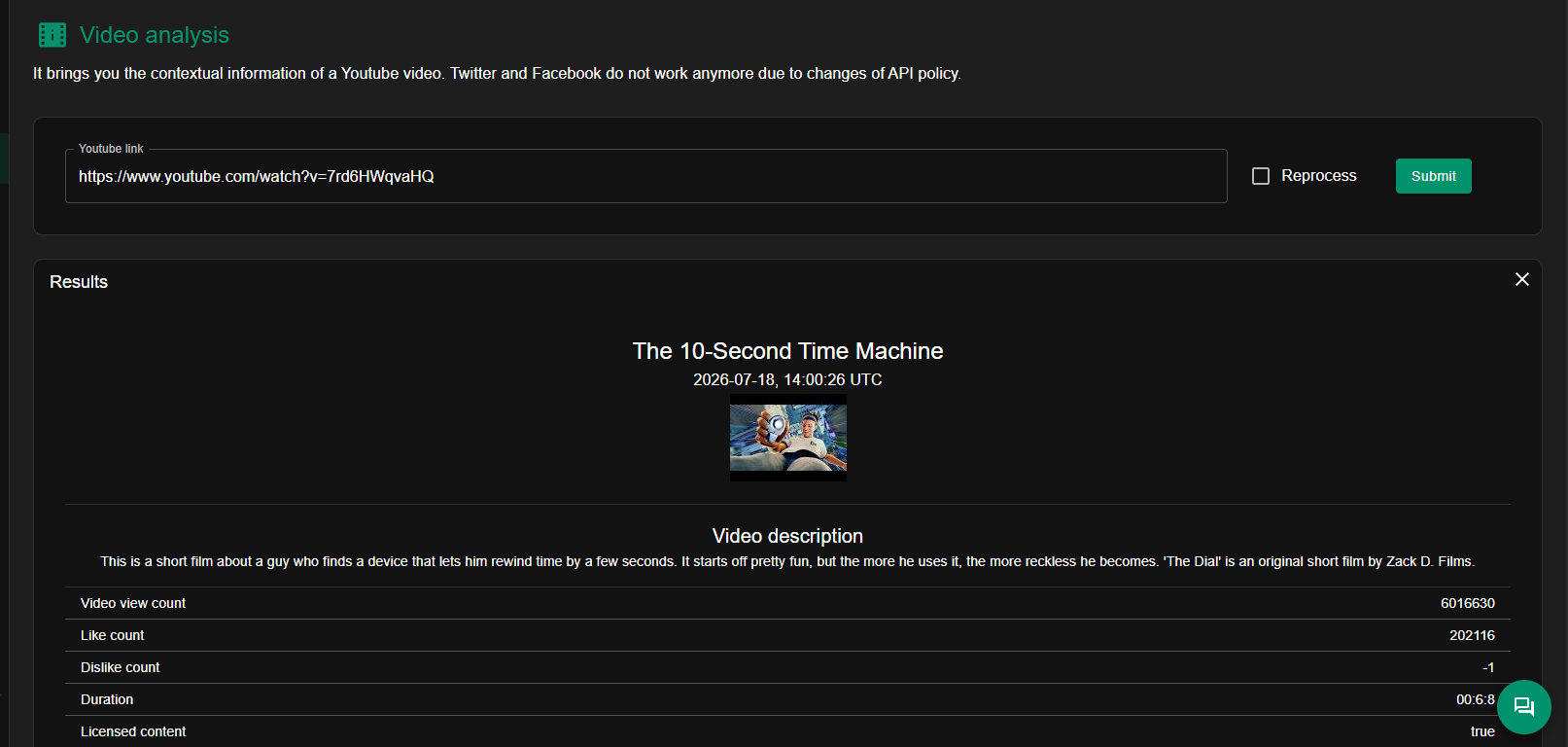
It fetched the whole video description, metadata, and multiple keyframes, and also provided you with the option to manually perform a reverse image search on each of them. With that, it will check each frame across the specific platform and find similar matches online.
Test 2: Cropped Video
Now let’s crop the same video and see if both of these video reverse search tools can still process and verify it. We cropped the video from all sides to test the output of these tools.
Revideo:
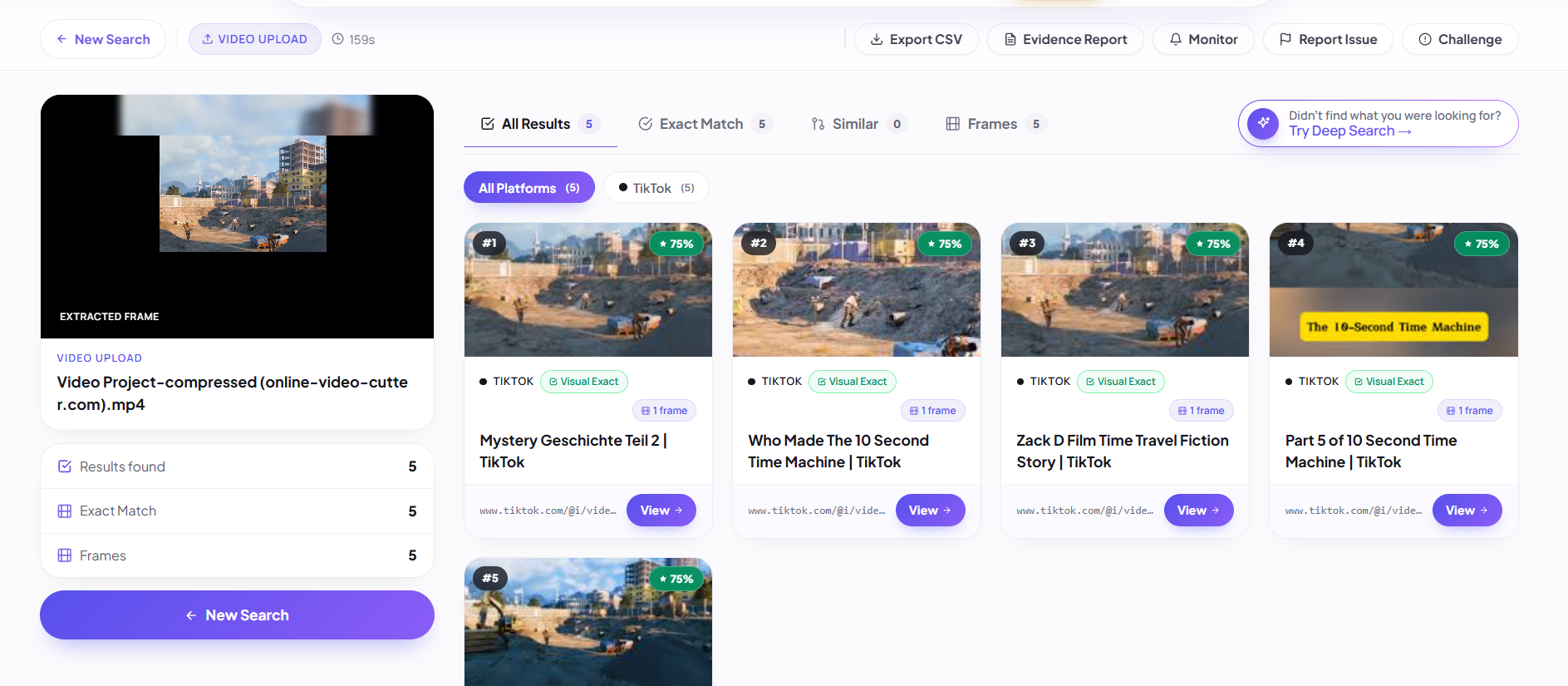
As you can see in the above image, it visualizes the scenes and matches them with the indexed data to find similar matches.
InVID-WeVerify:
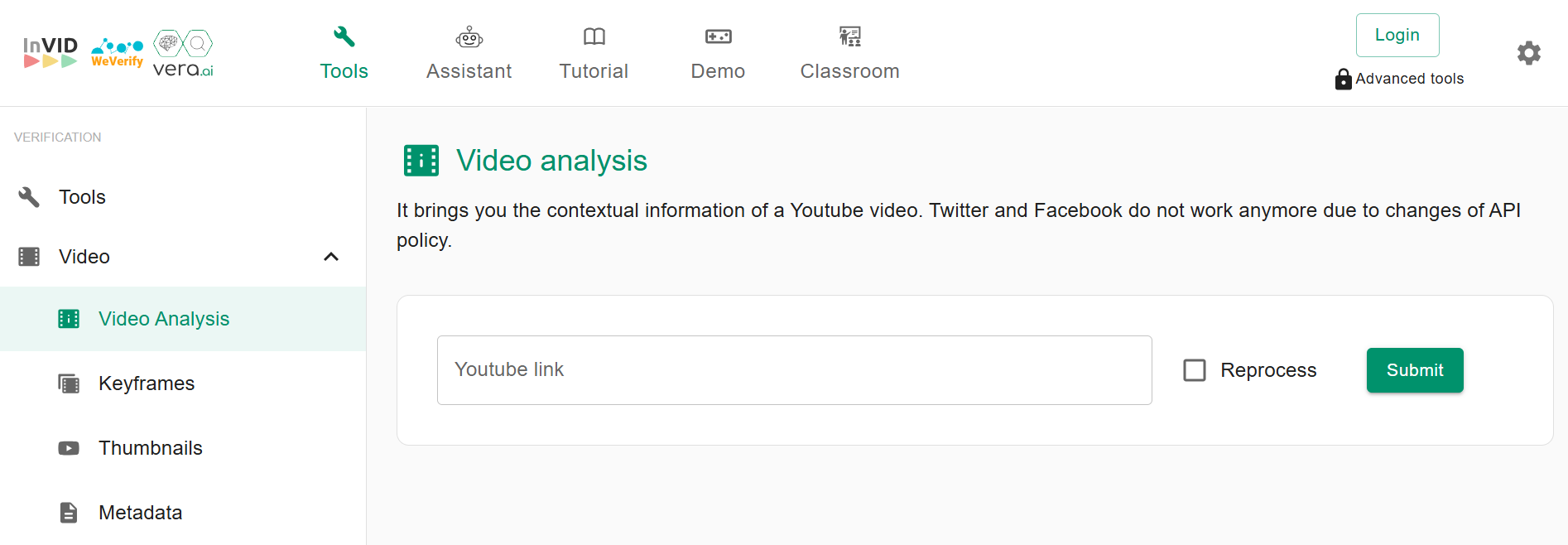
InVID-WeVerify cannot scan and process downloaded videos. You can only verify the video available on YouTube or any other platform.
Test 3: Short Clip
We trim the original video into a short clip and let’s see if both Revideo and InVID-WeVerify can verify it.
Revideo:
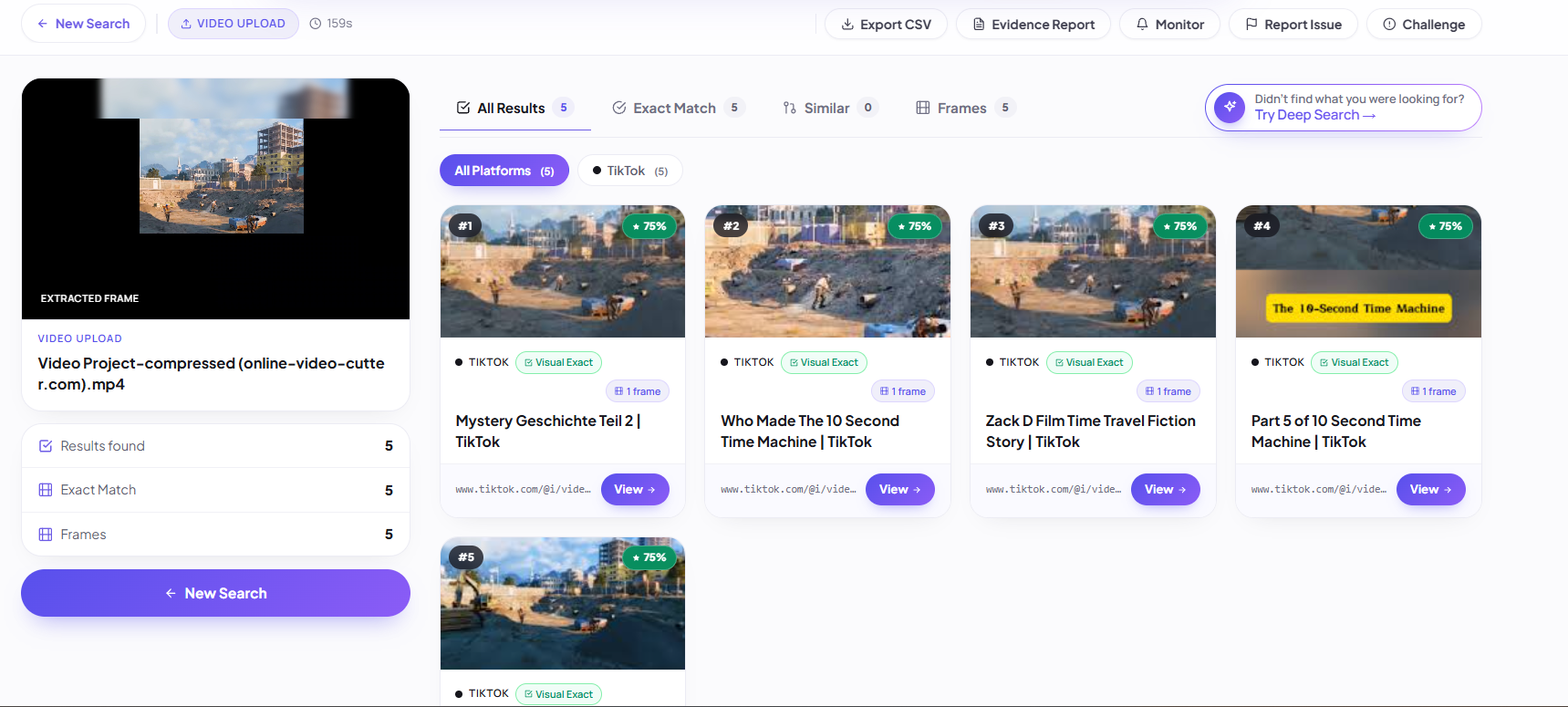
As you can see, Revideo performed a complete deep search on the short clip and provided you with similar results.
InVID-WeVerify:
You can only verify long-form videos from YouTube, Facebook, and Twitter. This tool doesn’t scan short clips. When we paste a YouTube Shorts URL, it doesn't fetch that video.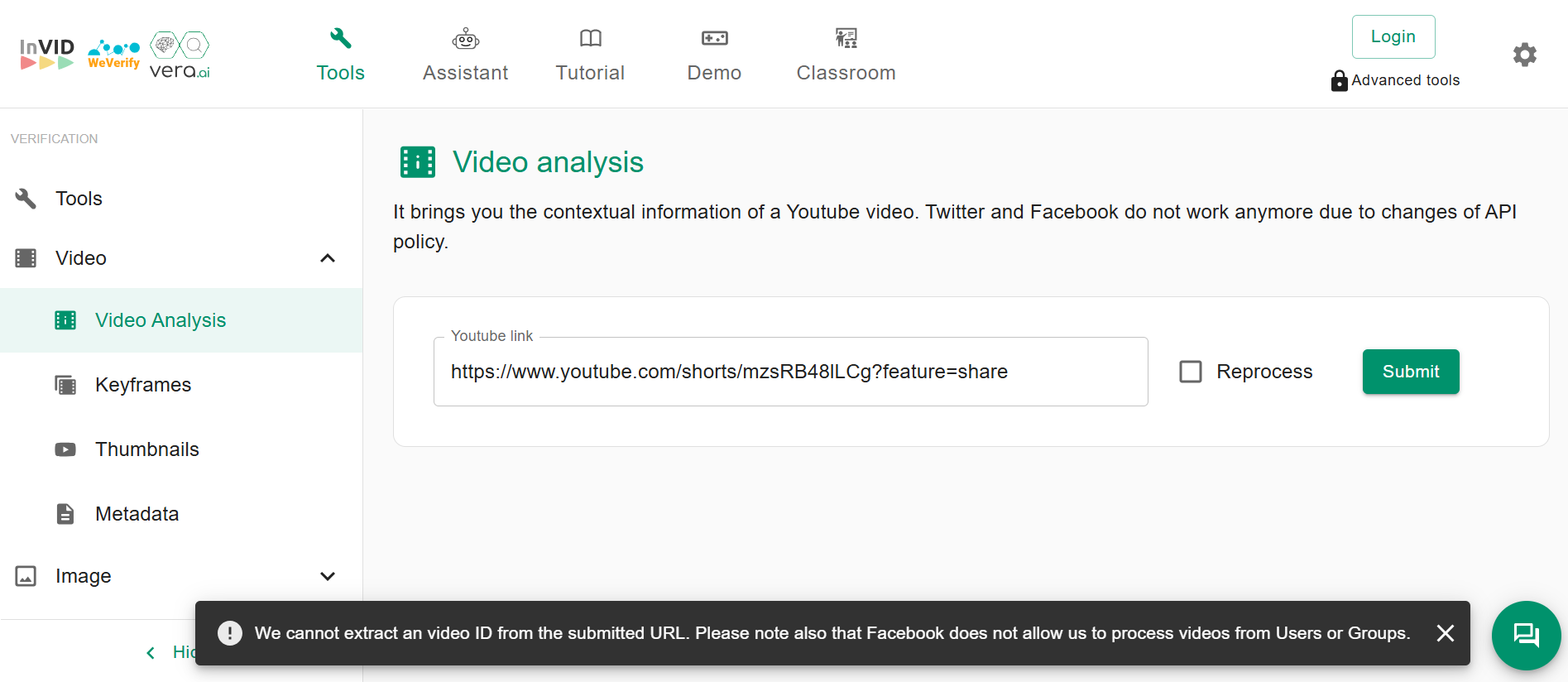
Which Tool is Best for Your Deep Video Verification?
Comparing the results and features of both reverse video search tools, here’s a quick glimpse of which tool you should consider for verifying and checking videos online.
Use Revideo When You Need to:
-
Perform a deep search on your video and find its exact matches.
-
Check the video across different platforms and search engines simultaneously.
-
Compare videos and find matching patterns in them.
-
Discover the source link of duplicate videos posted across the internet.
Use InVID-WeVerify When You need to:
-
Extract the video’s metadata and relevant information.
-
Retrieve frames and do reverse image search on them.
Final Verdict: Revideo vs InVID-WeVerify
Both tools can help with video verification, but they work differently. InVID-WeVerify is useful for extracting keyframes, metadata, and manually checking individual frames through reverse image searches. Revideo is more suitable when you need to investigate short, cropped, or repurposed clips and search for matching sources across multiple platforms. Based on our tests, Revideo offers a broader approach to video investigation, while InVID-WeVerify remains useful for users who prefer more manual control.
Frequently Asked Questions
-
What is the difference between Revideo and InVID-WeVerify?
Revideo is an AI-powered online reverse video search tool that you can use to verify videos and find their duplicate reposts online. On the flip side, InVID-WeVerify is a Chrome extension mainly used to analyze video metadata and extract keyframes. Both serve the same purpose but in different ways.
-
Can Revideo find edited or republished videos?
Absolutely, it can. The tool analyzes the visual patterns in the videos, such as background, people, and music. Then it matches this extracted information with indexed data to find similar matches even though they are slightly or heavily edited.
-
Can Revideo search YouTube, TikTok, and Instagram?
Yes, Revideo is built as a multi-engine search tool that doesn’t search for a video across a single platform. It checks them across all the available search engines, video-sharing platforms, and social media channels to find similar matches.
-
Which video verification tool is useful for journalists?
Both reverse video search tools are perfect in their domain. For instance, if you want the metadata and keyframes to perform a manual reverse search, then InVID-WeVerify is for you. But if you want AI to fetch all these details and locate similar versions across different platforms, then Revideo is the right choice.