Reverse video search helps you trace where a video came from, identify reposted clips, and verify misleading content online. This guide explains the best reverse video search methods, tools, and tips to improve accuracy in 2026.
You find a viral clip on Instagram. No source, no credit, just thousands of shares and zero context. Is it real? Is it stolen? Who posted it first?
A reverse video search exists to answer exactly that.
It allows you to find the original source of a video, spot duplicate uploads, verify misleading clips, and track unauthorized reposts across platforms.
It's not a new concept, but most people still don't know how to do it properly. And the ones who do usually stop at Google Images and call it a day, which means they're missing half the picture.
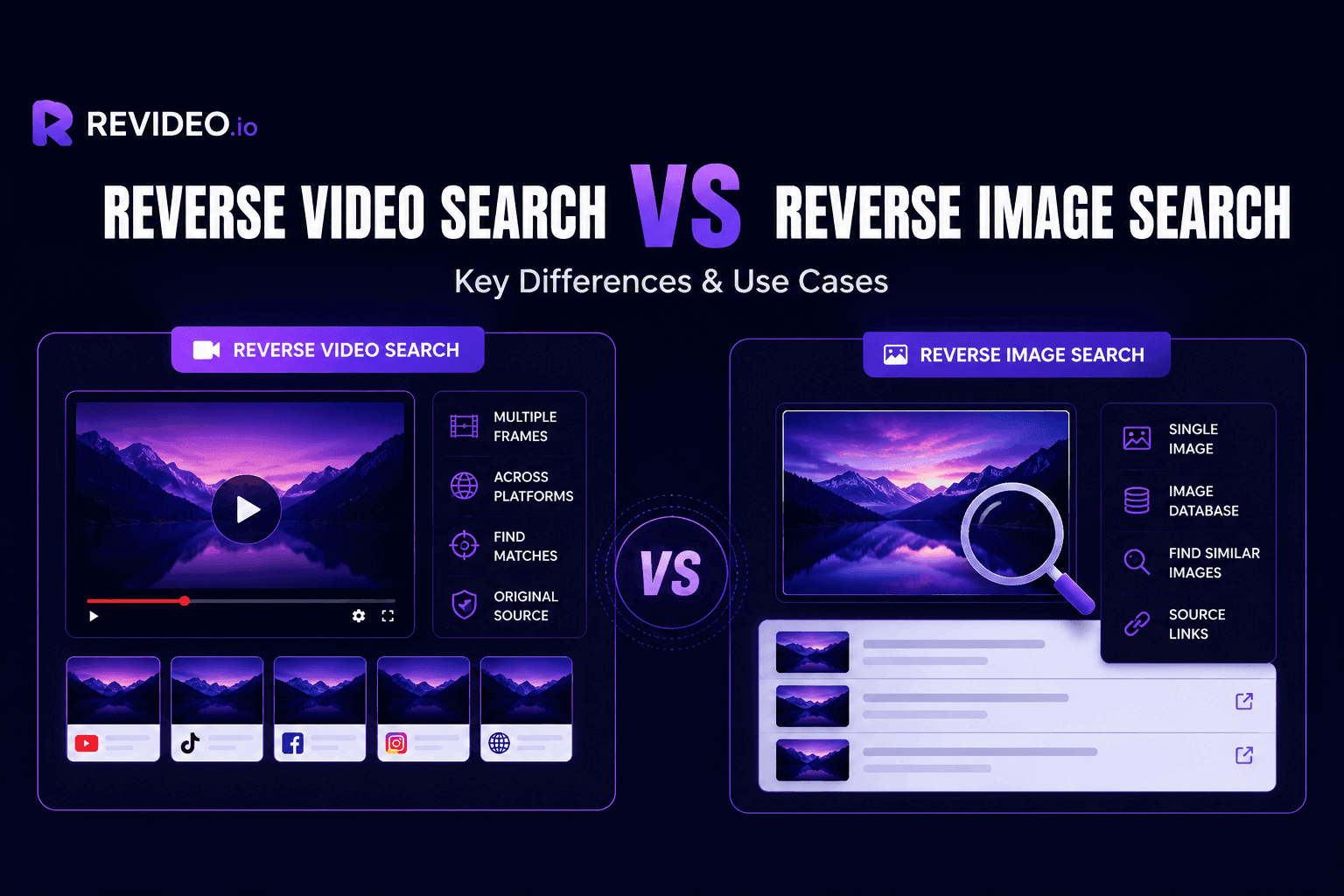
Unlike reverse image search, video search is more complicated because search engines can't directly analyze every second of footage. Most tools rely on frame extraction, visual matching, and pattern recognition to identify similar or exact matches online.
This guide covers the most effective ways to perform a reverse video search in 2026, including free tools, manual methods, and AI-powered platforms that simplify the process. Whether you're a creator tracking stolen content, a marketer verifying assets, or someone trying to find the source of a viral clip, you'll find the right approach here.
What is a Reverse Video Search and How Does It Work?
Reverse video search is a process for finding the original source of any video or clip, or discovering similar videos online. It can be used to find where your videos are being used, who owns the original clip, or to verify whether the news is real or fake.
It’s not easy to perform a direct video reverse search, and the only way is to extract specific frames or take screenshots and compare them using online tools. These tools only analyze indexed frames or pictures on the internet and provide the results if they discover any exact matches.
How to Reverse Video Search?
The easiest and most reliable approach to finding videos online is by using AI-powered tools. If you try to do it manually, it can take hours because you have to analyze each frame to find similar results. Or you have to do a reverse video lookup by typing an exact keyword to find an exact match.
On the other hand, you can also consider using a reverse video search tool to discover any video on the internet in just seconds.
Ways to Perform Reverse Video Search
Manual Reverse Video Search
There are different methods you can use to find similar videos manually, like typing keywords, frame-by-frame analysis, or searching by metadata.
-
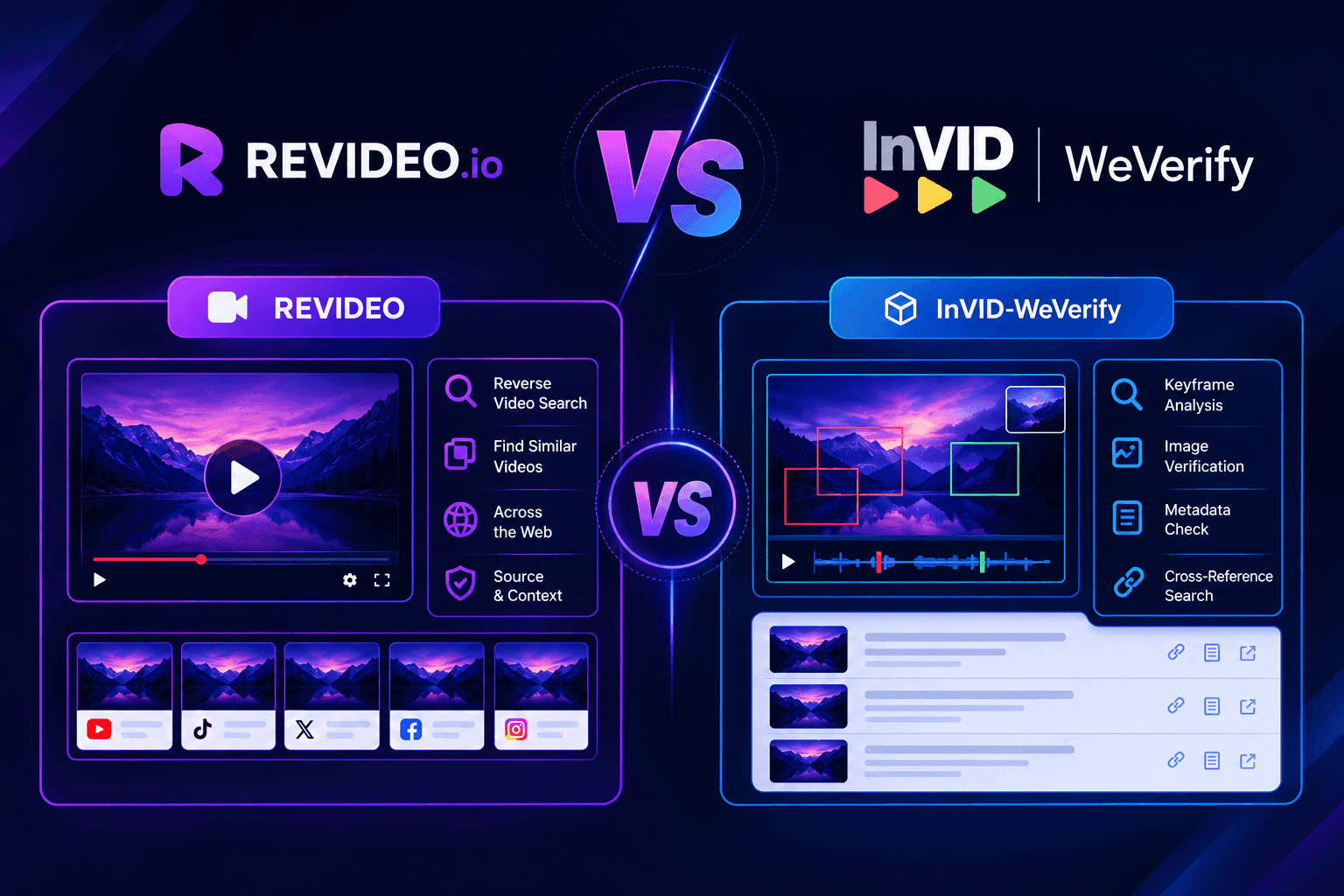
Frame Analysis: In this approach, you take pictures or screenshots of specific frames within the video and do a reverse lookup online. You can use Google Lens or browser extensions like InVID-WeVerify to semi-automate this frame-by-frame approach and see if there are any similar or exact matches.
-
Keyword Search: The traditional video search method also uses keywords. You type a specific keyword like “cat running on a wall” and analyze the provided results to see if anyone is using your video on their profile or channel.
-
Search Through Metadata: Metadata is like the DNA of a video, and it differs for each video. To extract video metadata, you can use VLC Media Player. Then, paste that metadata into search engines, and you might see results for that.
Automatic Methods of Reverse Video Search
In an automatic approach, you can use the best reverse video search tools to find exact videos on different platforms, including search engines and social media platforms.
|
Tools |
Free usage |
Results accuracy |
Mobile-friendly |
Premium |
|
Revideo |
✔ |
9.9/10 |
✔ |
No plans |
|
Google’s RIS |
✔ |
8.7/10 |
✔ |
No plans |
|
Bing’s RIS |
✔ |
9.2/10 |
✔ |
No plans |
|
Lenso AI |
❌ |
8.3/10 |
✔ |
Starts from $19.99/mo |
Method#1: Reverse Video Search With Revideo.io
Revideo is an advanced AI reverse video search tool that you can use to find the original source of any video or clip in seconds.
It converts the video into frames and then matches them on the internet to find exact and similar results. Revideo searches across different platforms, including Google, Yandex, and Bing – all at once.
You can use Revideo for free and find similar videos without paying a single cent. With sophisticated AI, the tool attempts to identify visually similar or exact matches available online and returns the results with source findings.
Here’s how you can use Revideo to perform a video reverse search:
-
Upload your video from device storage or search by URL.
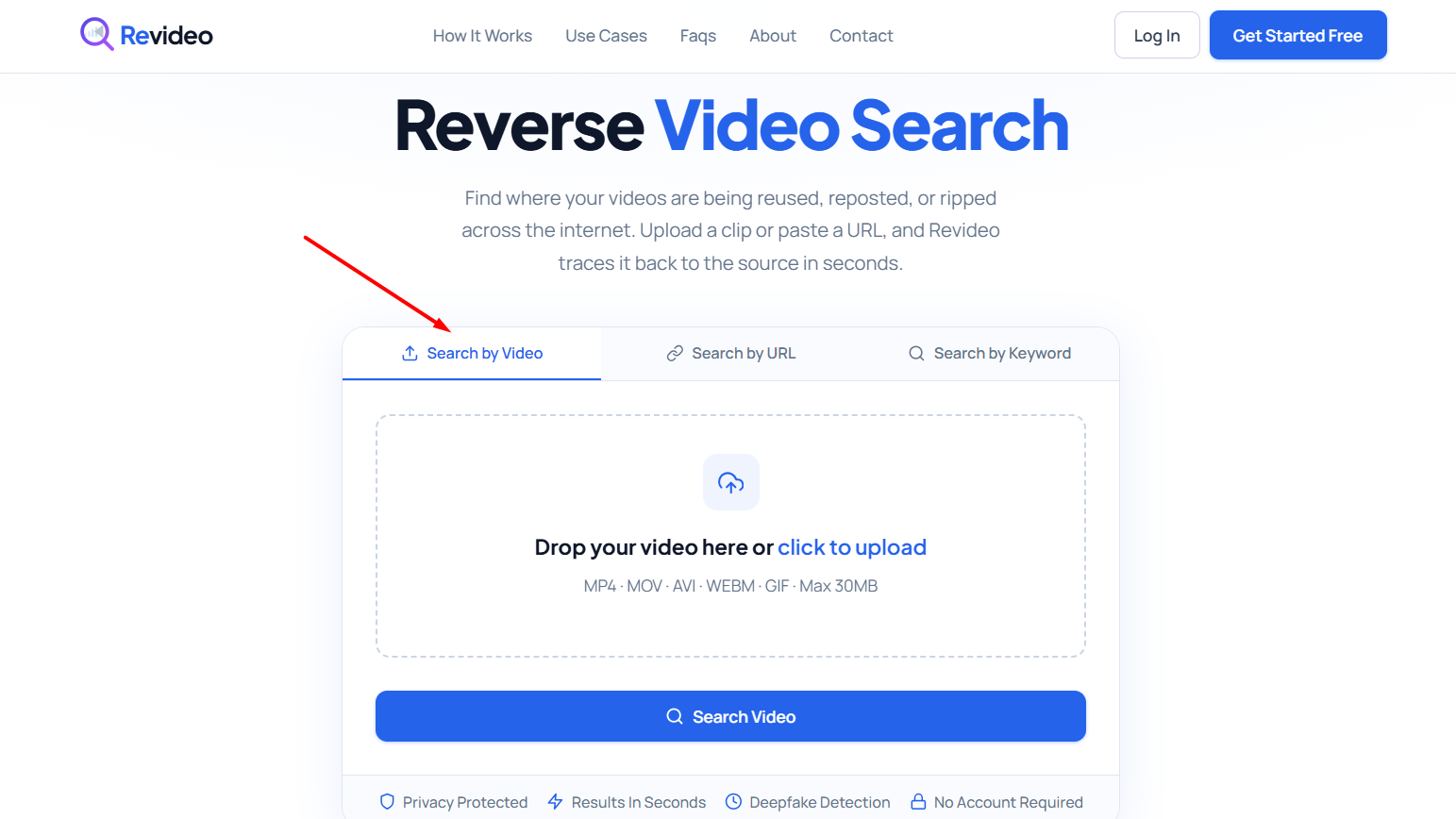
-
Click the “Search Video” button, and Revideo will show you the results.
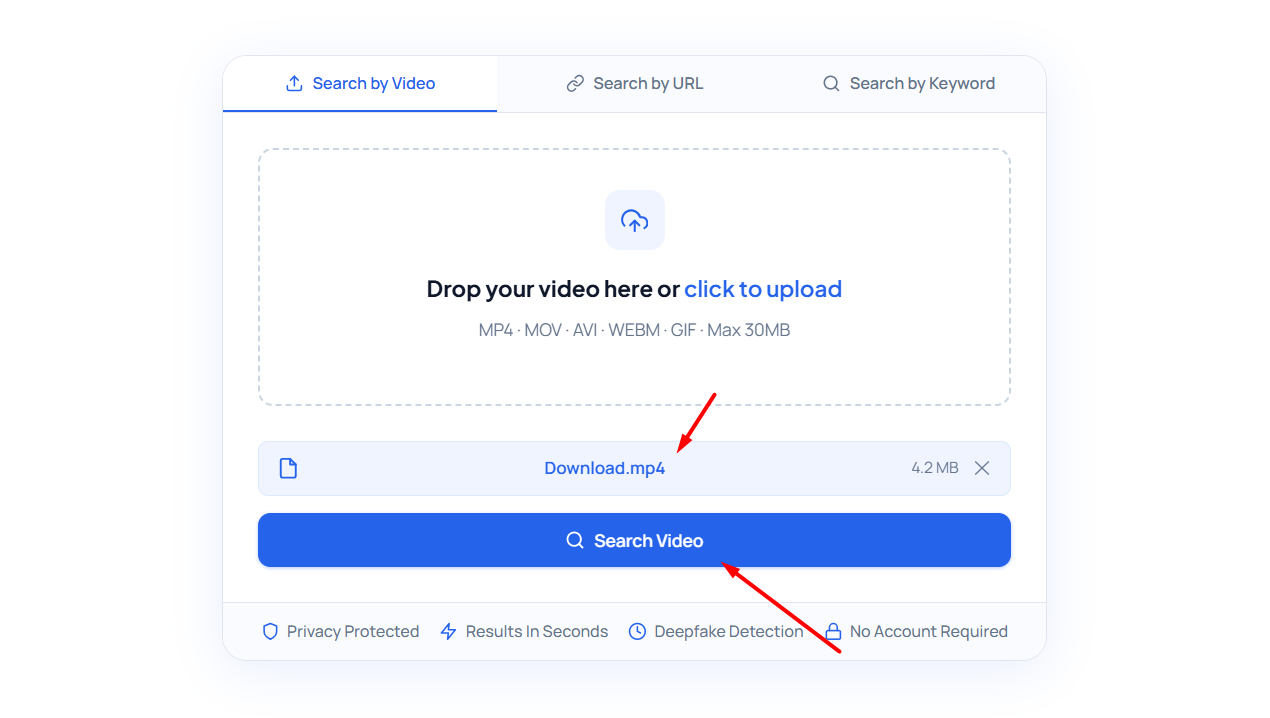
-
It will categorize your results in “All Match,” “Exact Match,” “Similar,” and “Frames.” You can navigate to any of them and view the results.
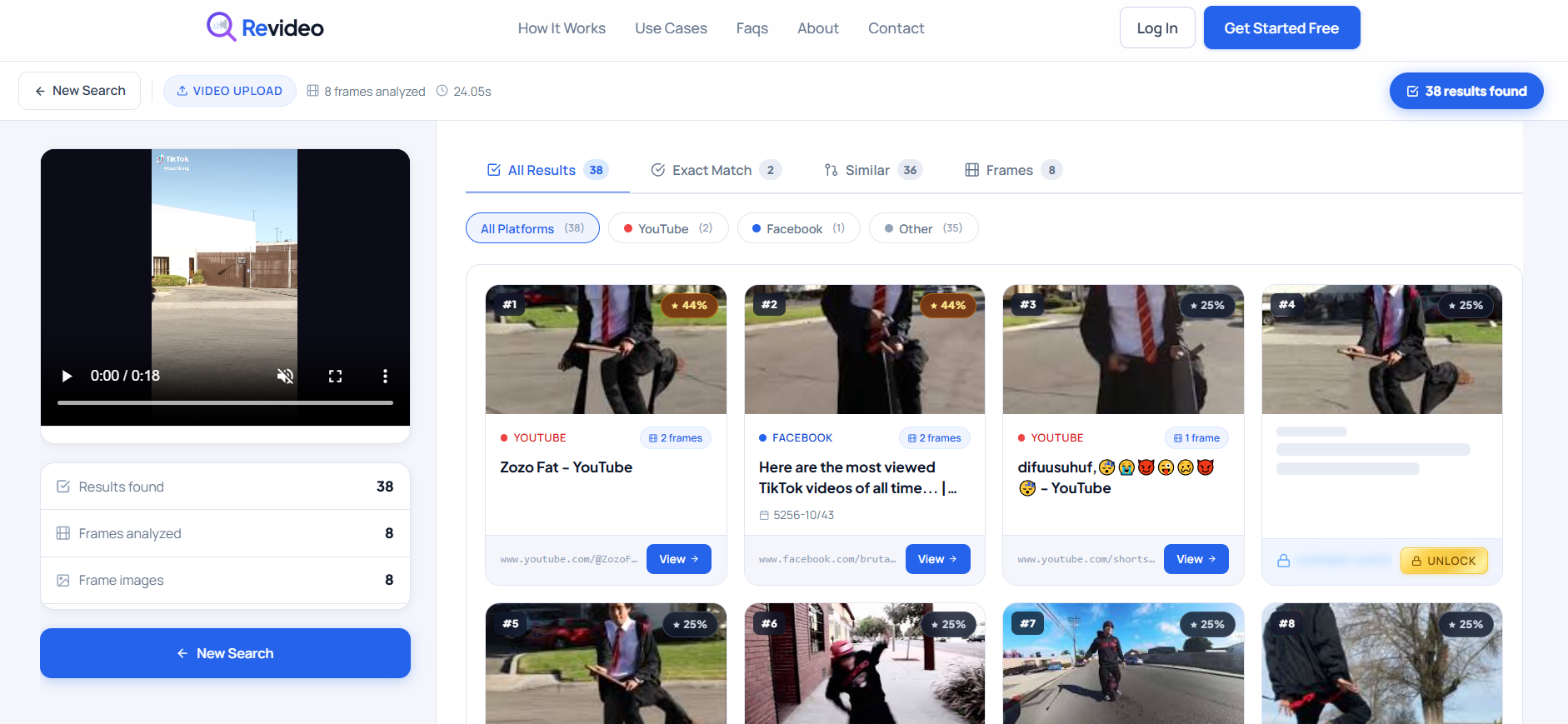
Pricing Plan
Revideo is a completely free tool that you can use to do a reverse video search. There’s no premium plan currently available.
Method#2: Use Google for Reverse Video Search
Google also allows its users to do a video reverse search using Google Lens, but here’s the twist. You can’t simply upload the video to Google and find its duplicate versions. You have to extract frames from the video and upload them to find similar results.
Here’s how you can use the Google reverse video search tool:
-
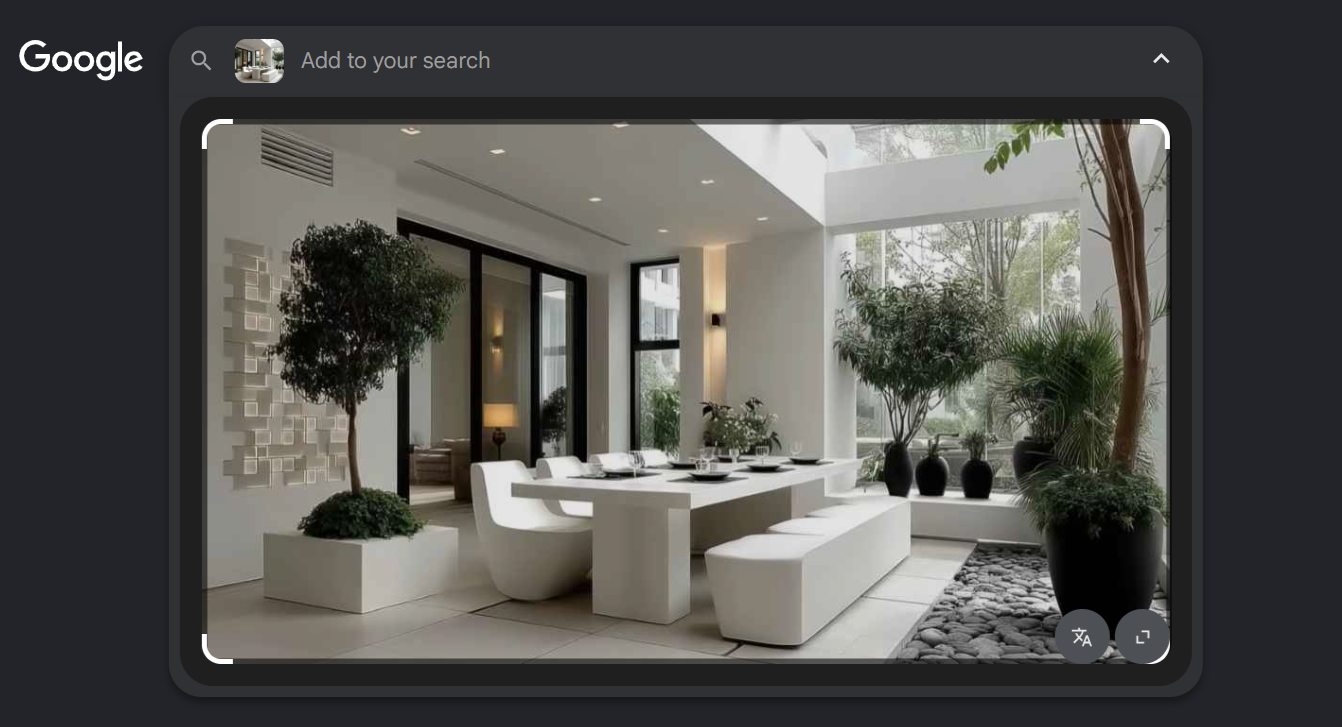
Take a screenshot of the video or download its thumbnail. The screenshot is taken from this YouTube video.

-
Navigate to Google Images and upload that screenshot or thumbnail of the video.
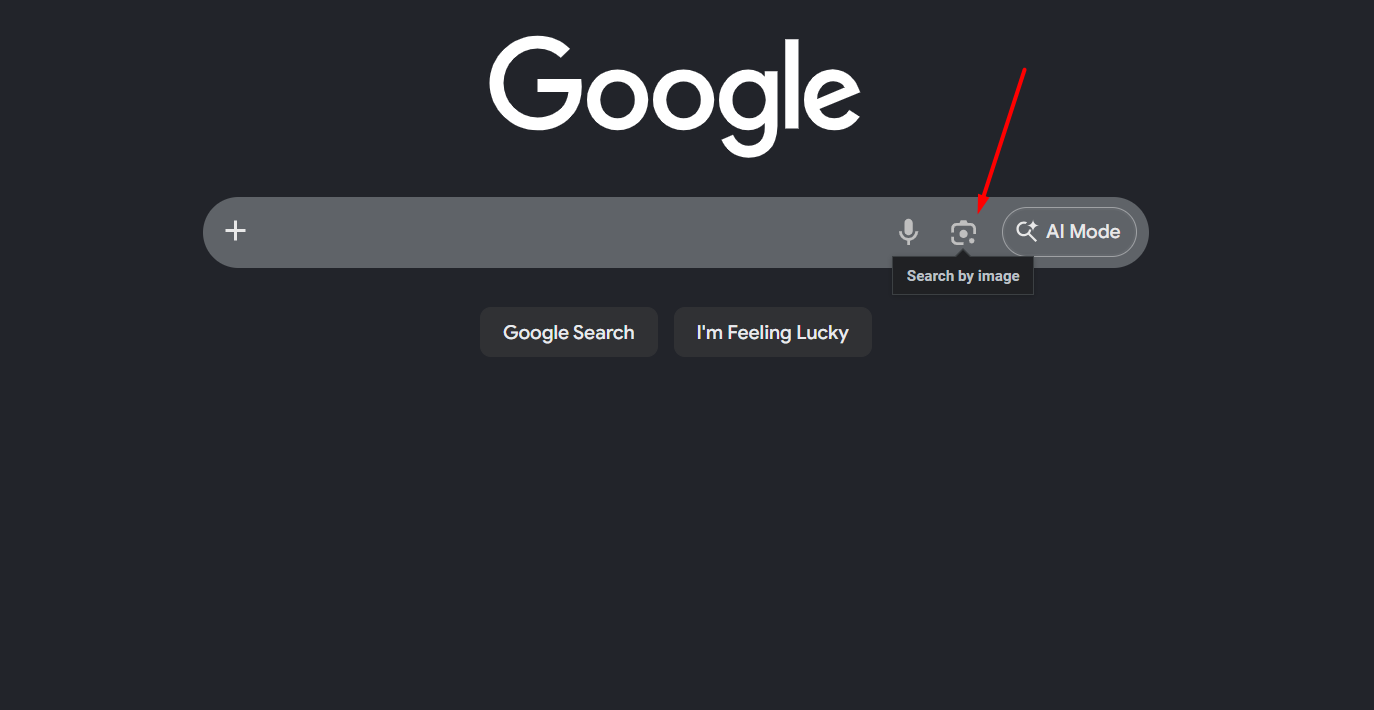
-
Click on the “search by image” icon and upload the screenshot.
-
Then, Google AI will start analyzing the uploaded picture, find results from indexed data, and provide the output.

Pricing Plan
Google lets you perform free reverse video search, and you don’t have to pay a single cent for usage.
Method#3: Use Bing’s Reverse Search Engine
Bing by Microsoft is another popular search engine that you can also use to find duplicate videos on the internet. But it only discovers similar videos that are indexed in its database.
Here’s how you can do a reverse video search using Bing:
-
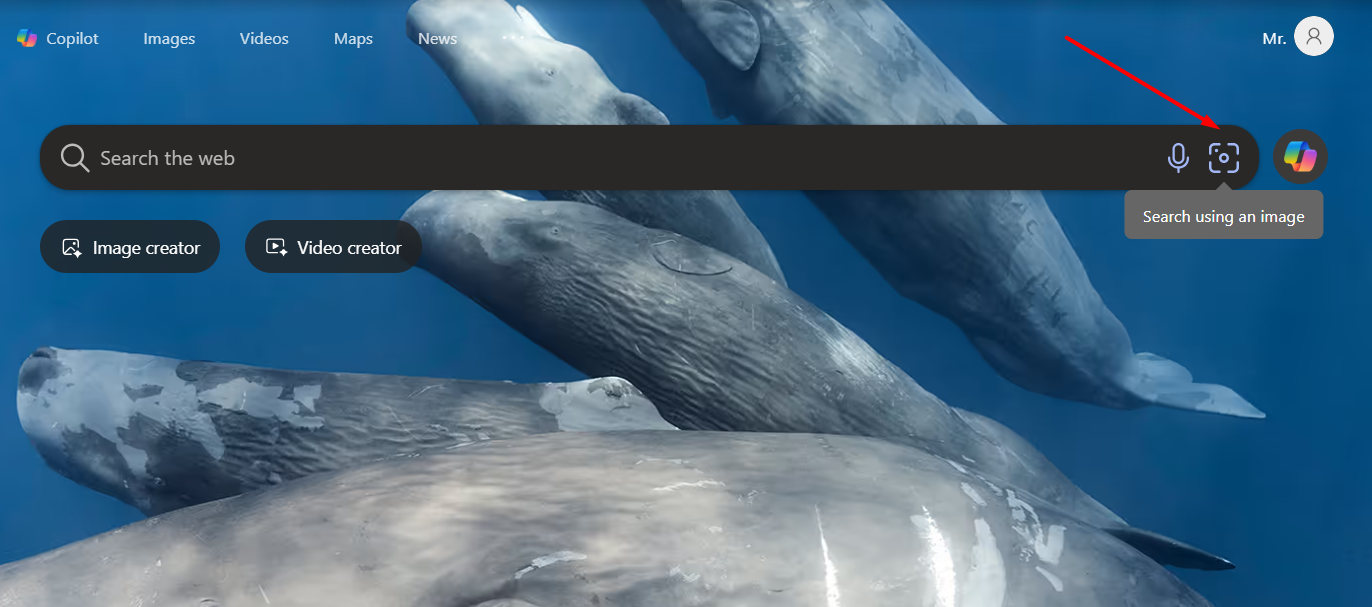
Upload the screenshot or extracted frame picture into Bing using the “Search using an image” icon. We have used the screenshot of the same YouTube video we used for Google reverse video search.
-
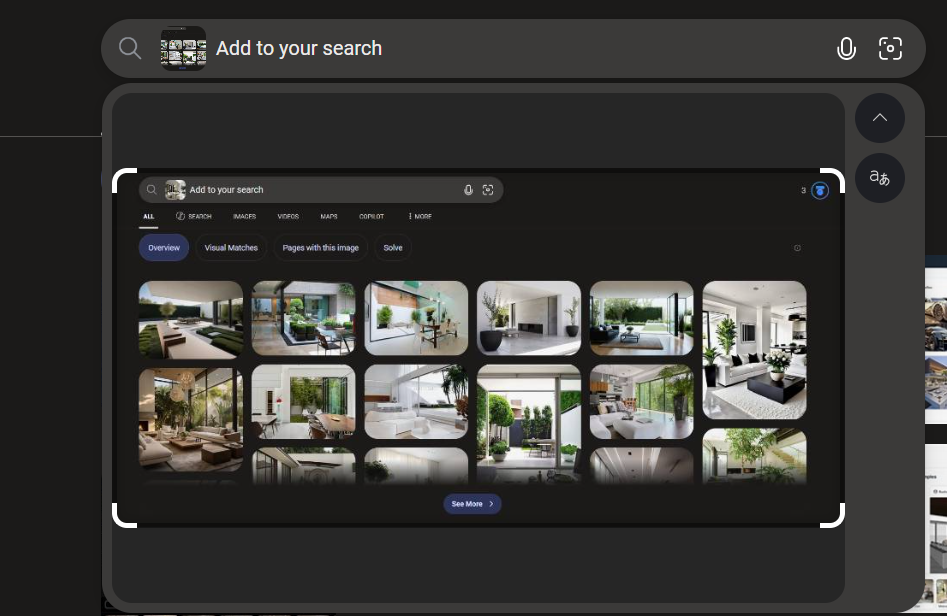
Once the image is uploaded, Bing will automatically scan it and find exact matches in the database.
-
After a few seconds, it will provide the results along with their source links.

You can visit those links and verify for yourself if they are exactly the same as those used in the original video.
Pricing Plan
Bing offers free usage with no limitations.
Method#4: Use Lenso AI
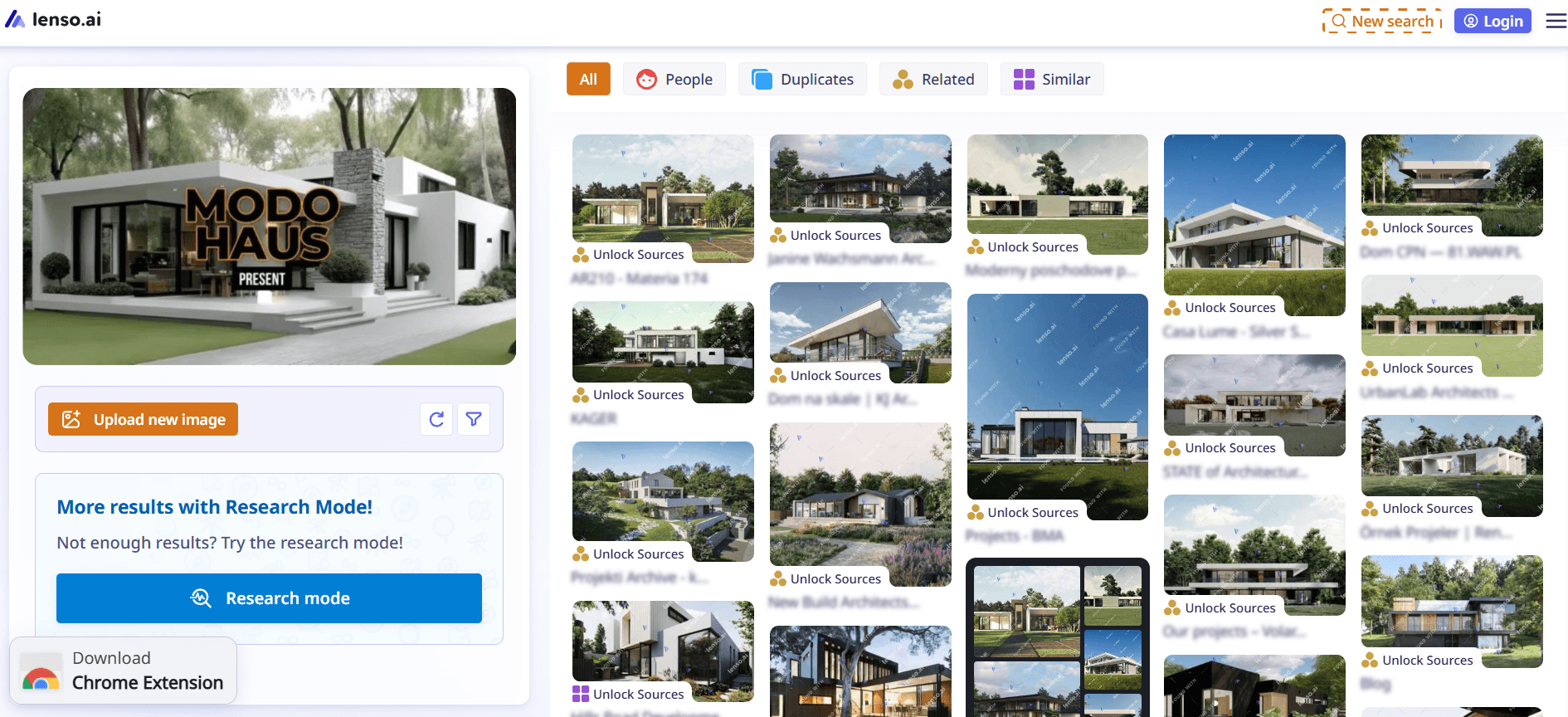
Lenso AI is a paid tool that is great for finding the original source or unauthorized use of the video. It’s similar to using Google’s Reverse Video Search and Bing’s Reverse Video Search, where you have to upload the screenshots or frames extracted from the video. The tool uses advanced AI that matches everything with online indexed images on Google, Yandex, Bing, and beyond, and finds similar patterns.
Follow these simple steps to perform a reverse video search:
-
First of all, make sure you have taken screenshots or extracted key frames from the video.
-
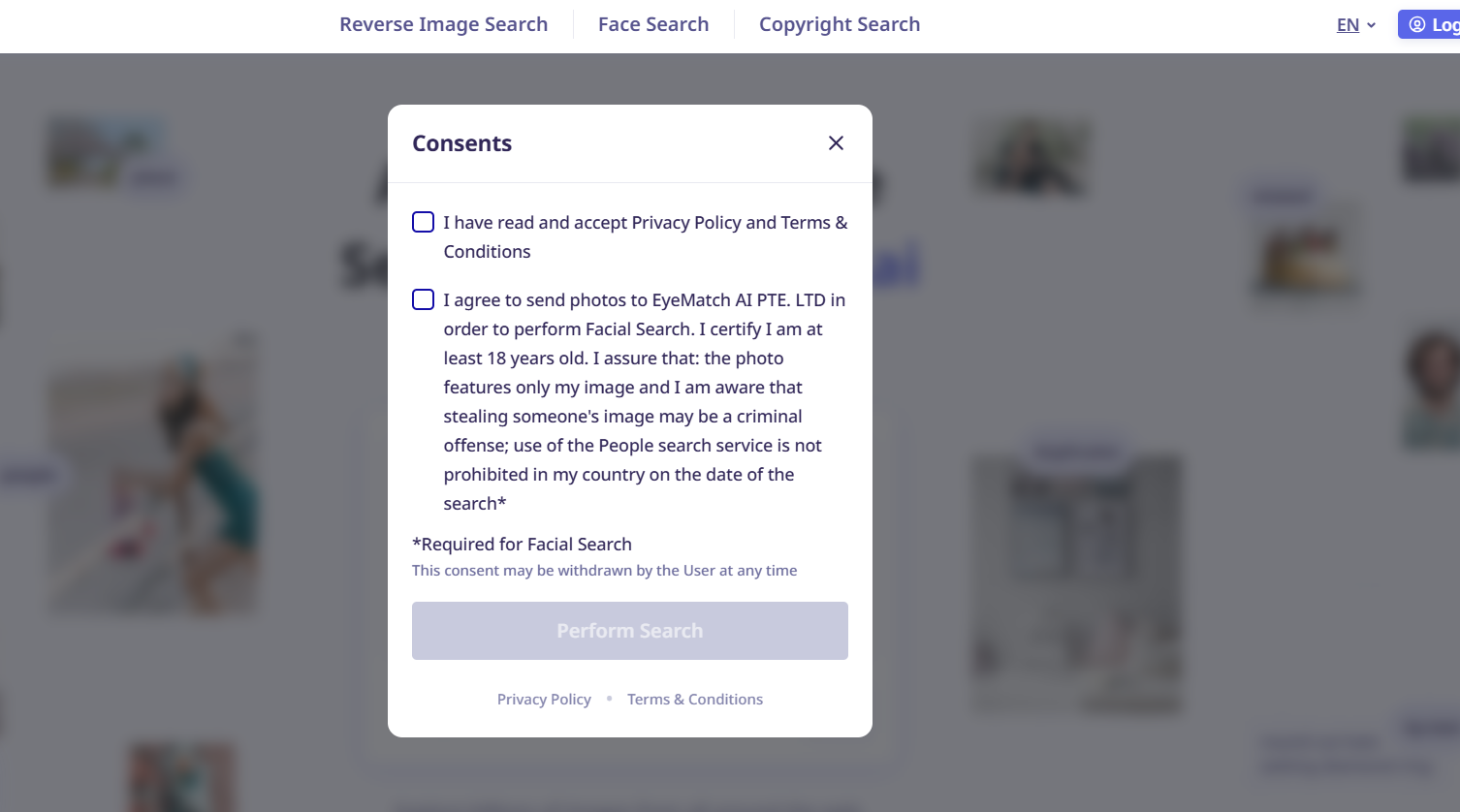
Upload the picture from your device storage, and check the consents it displays.
-
Click “Perform Search,” and Lenso AI will initiate the process and find similar results online.
-
To verify the sources, you must be a premium user.
Pricing Plan
Lenso offers three different plans, and here’s how much they would cost:
- Starter: $19.99/month
- Professional: $69.99/month
- Developer: $2,800/month
Benefits of Reverse Video Search
Reverse video search is a very useful approach that influencers, video editors, marketers, and others can utilize for different purposes. So, let’s talk about how video reverse search can benefit you.
-
Identify the Video Source: Performing a reverse video search can help you find the source of the original video and its owner. This way, if you want to use their video on your social media or brand promotions, you can get permission from the original owner.
-
Discover Content Reuse Opportunities: It’s a great marketing technique where you can see who is using your videos or clips without your consent. You can politely ask them to give you credits, or else you can file a DMCA claim if necessary. This way, your profile can get more views and build trust among people.
-
Find New Content Ideas: As an influencer, if you are out of ideas and want to entertain your followers with something amazing, you can perform a video reverse search for that. For instance, upload your most popular video into the tool, and it will give you more ideas that you can also use to make videos and go viral online.
-
Keep Track of Your Work: If you think someone is using your videos or clips to scam people, then reverse video search is the best approach to keep track of your work. You can see who is reposting your content without your permission and take immediate action to bring their profile down.
Common Mistakes to Avoid While Performing Video Reverse Search
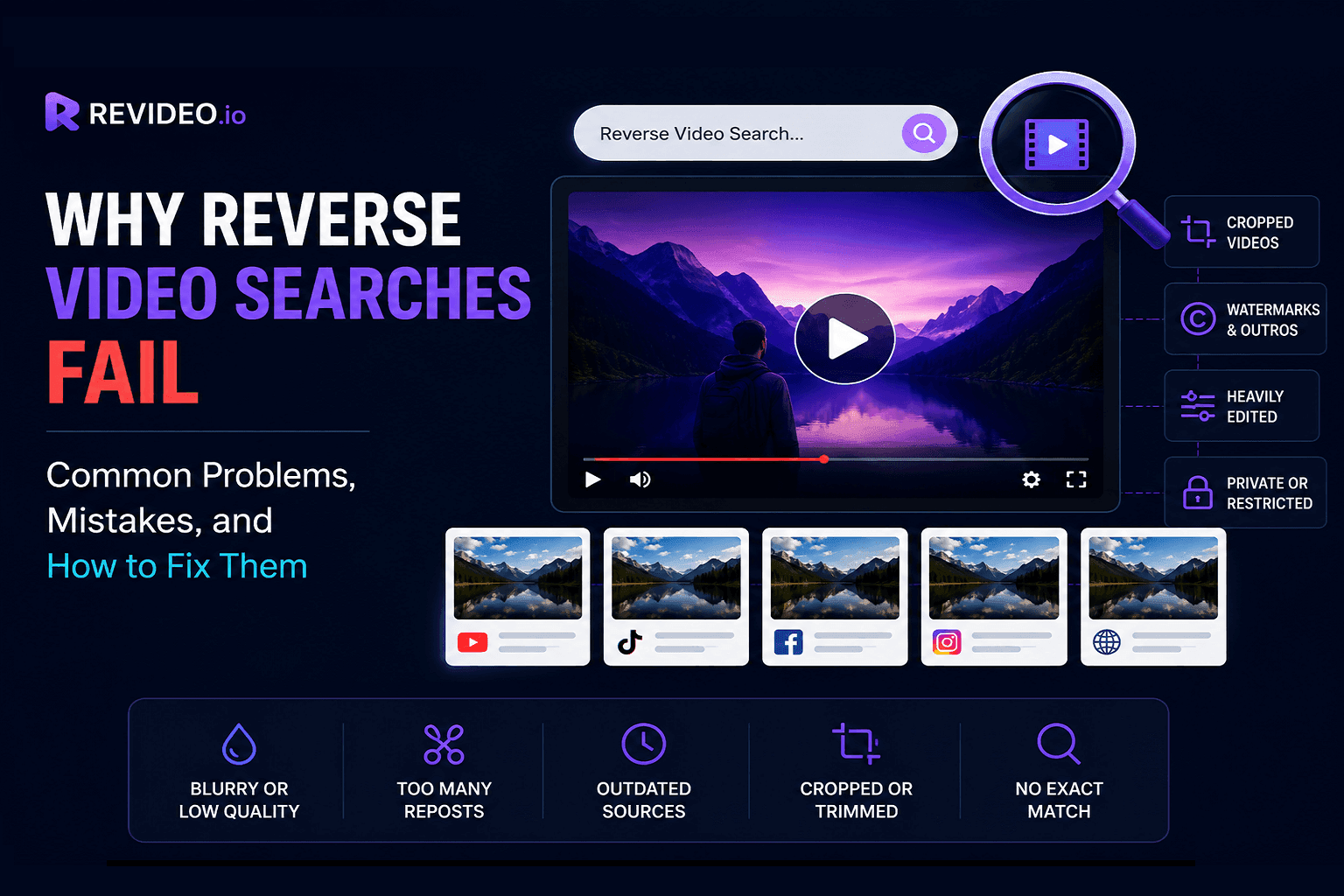
Sometimes, you see no results when you upload a video or frame into an online reverse video search tool. That could be due to various reasons, such as low-quality video or a newly uploaded clip. So, here are common mistakes that you must avoid for a successful video reverse.
-
If you are using a screen-recorded version of the original video, the tool won’t give you any results for that. Because the recording alters the frames, quality, and aspect ratio, no results are found for the video.
-
Reverse video search tools like Revideo only find similar results from indexed content available on social media and search engines. If the video was uploaded recently and hasn't been indexed yet, the tool will show you no results for it.
-
Avoid uploading compressed or blurry screenshots, as the details and visuals may not be clear. Poor-quality images or videos can reduce matching accuracy and yield irrelevant or no results.
-
Specific video search tools like Google or Bing only return similar results from their indexed databases. For instance, Google won’t check the Yandex or Bing archive for exact matches, and the same goes for other search engines.
Wrapping Up
Reverse video search is one of the easiest methods to locate the original source of a clip, to track down reposted material, or to find where your videos are being used online. There is no direct search for the entire video, but you can use tools like Revideo, Google, Bing, or Lenso AI to find clear frames or screenshots to get an accurate result. Just be careful about the frame quality, and the video is already indexed on the web for better chances of finding exact matches.
Frequently Asked Questions
Can I do a reverse video search on mobile?
Yes, you can perform a reverse video search on mobile devices as well. Most tools like Revideo, Google Images, Bing Visual Search, and Lenso AI work properly on mobile browsers. You simply need to upload screenshots or extracted frames from the video, and the tool will start finding similar matches online.
Does Google have a reverse video search?
Google does not directly support reverse video search. Instead, you have to take screenshots or extract frames from the video and upload them to Google Images. Google then analyzes those pictures and finds similar indexed results available on the internet.
What is the best free tool for reverse video search?
Revideo, Google Images, and Bing Visual Search are all free with no usage limits. Revideo has an advantage because it handles frame extraction automatically, so you don't need to take screenshots manually.
How do I find the original source of a video?
Take a screenshot of a clear, recognizable frame from the video and upload it to a reverse video search tool like Google Images, Bing Visual Search, or Revideo. The oldest matching result in the output is typically the original source. For better accuracy, run the same frame through more than one tool since Google, Bing, and Yandex each search their own independent databases and may return different results.
Can I reverse search a TikTok or Instagram video?
Yes, you can reverse search TikTok, Instagram Reels, YouTube Shorts, and other social media videos by extracting clear frames and uploading them into reverse video search tools or visual search engines.