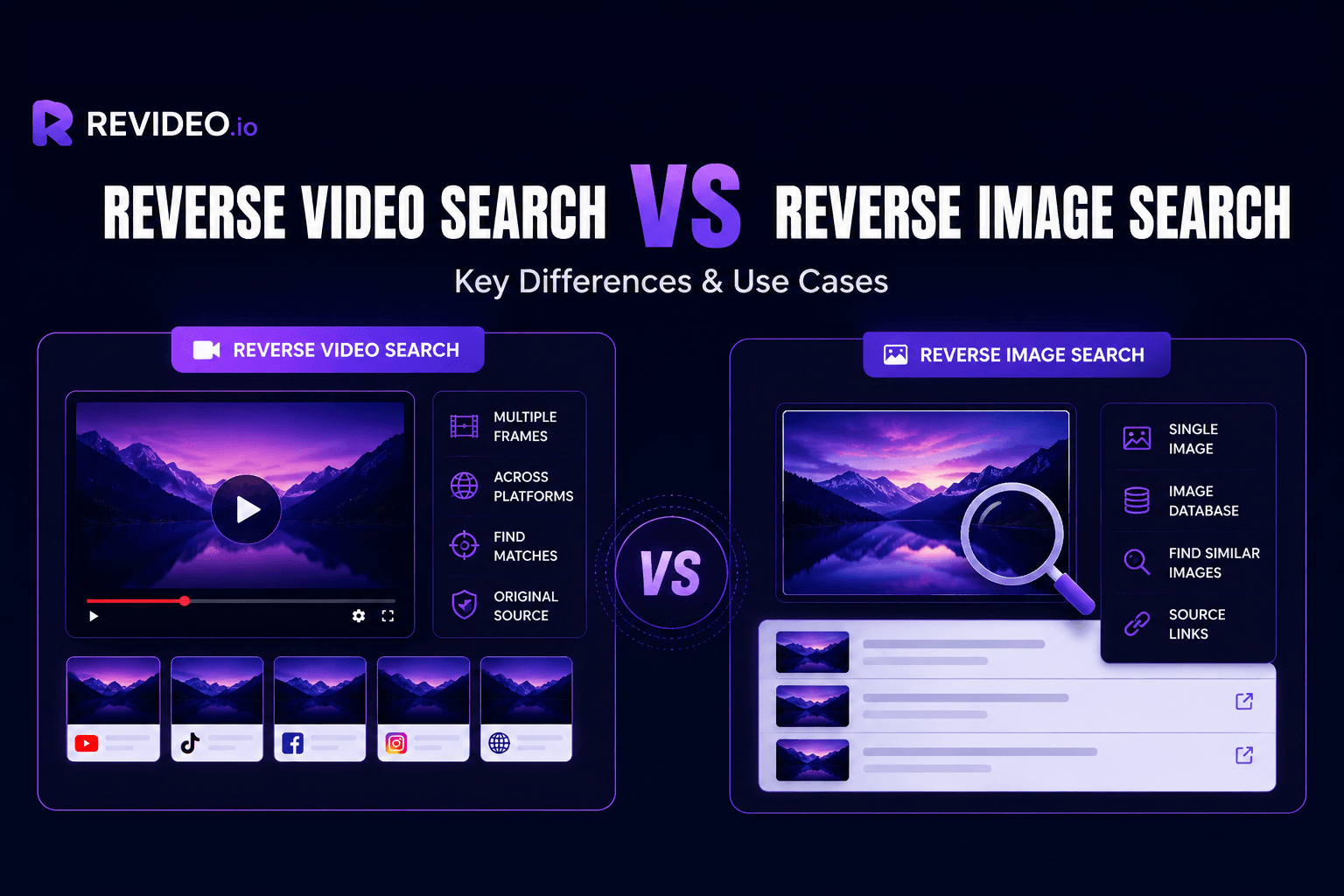
Explore the key difference between reverse video search and reverse image search to understand when to use them.
In a nutshell, both reverse image search and reverse video search serve the same purpose but are aligned for specific needs. If you want to locate unauthorized reposts of your personal videos, then reverse video search is what you need. On the flip side, you can take advantage of reverse image search to perform an image lookup online.
So, to help you understand the difference between reverse video search and reverse image search more clearly, we'll break down how both methods work, compare their features, and explain when you should use them.
Quick Comparison: Reverse Video Search vs Reverse Image Search
|
Feature |
Reverse Video Search |
Reverse Image Search |
|
Search input |
Videos (MOV, AVI, GIF, WEBM, MP4) |
Images (PNG, JPEG, JPG) |
|
Complexity |
High |
Low |
|
Speed |
Takes 40 to 60 seconds. |
10 to 20 seconds minimum. |
|
Easy to use |
Yes |
Yes |
|
Search method |
Analyze multiple frames at a time. |
Only process one image. |
|
Audio analysis |
Yes |
No |
|
Detect edited versions |
Better |
Limited |
|
Metadata results |
Video URL, thumbnail, date, and matching score. |
Image URL and the picture |
|
Typical tools |
Revideo |
Google Images |
What is Reverse Video Search?
Reverse video search (RVS) is a video-locating technique that helps find similar or exact-match videos across social media and search engines. It involves extracting key frames, scanning them across different platforms, and finding duplicate results.
You can perform reverse video search in different ways, like by:
- Taking screenshots of main scenes from the clip and finding identical results.
- Using a relevant keyword to search for a video on different platforms.
- Uploading the video into a reverse video search tool and finding similar uploads.
For content creators, influencers, brands, video editors, and regular users, reverse video search is best for tracking their video content or finding the original owner.
When to Use Reverse Video Search?
Reverse video search offers exceptional benefits that can help users instantly locate videos on the internet. You can use reverse video search in the following scenarios:
-
Finding duplicate videos with no credits given.
-
Identifying the original owner of the clip.
-
Verifying news or updates shared on the internet.
-
Protecting your video content from being misused.
-
Monitoring brand videos and protecting them from counterfeiters.
Popular Reverse Video Search Tools
Here are some of the best video reverse search tools that you can utilize to find unauthorized and non-credit videos on the internet.
1. Revideo.io
Revideo is an AI-powered reverse video search tool that can help you locate exact or similar matches of your video. It’s a free tool where you can perform reverse video lookup by uploading the video from device storage, importing the public video URL, or searching through a keyword.
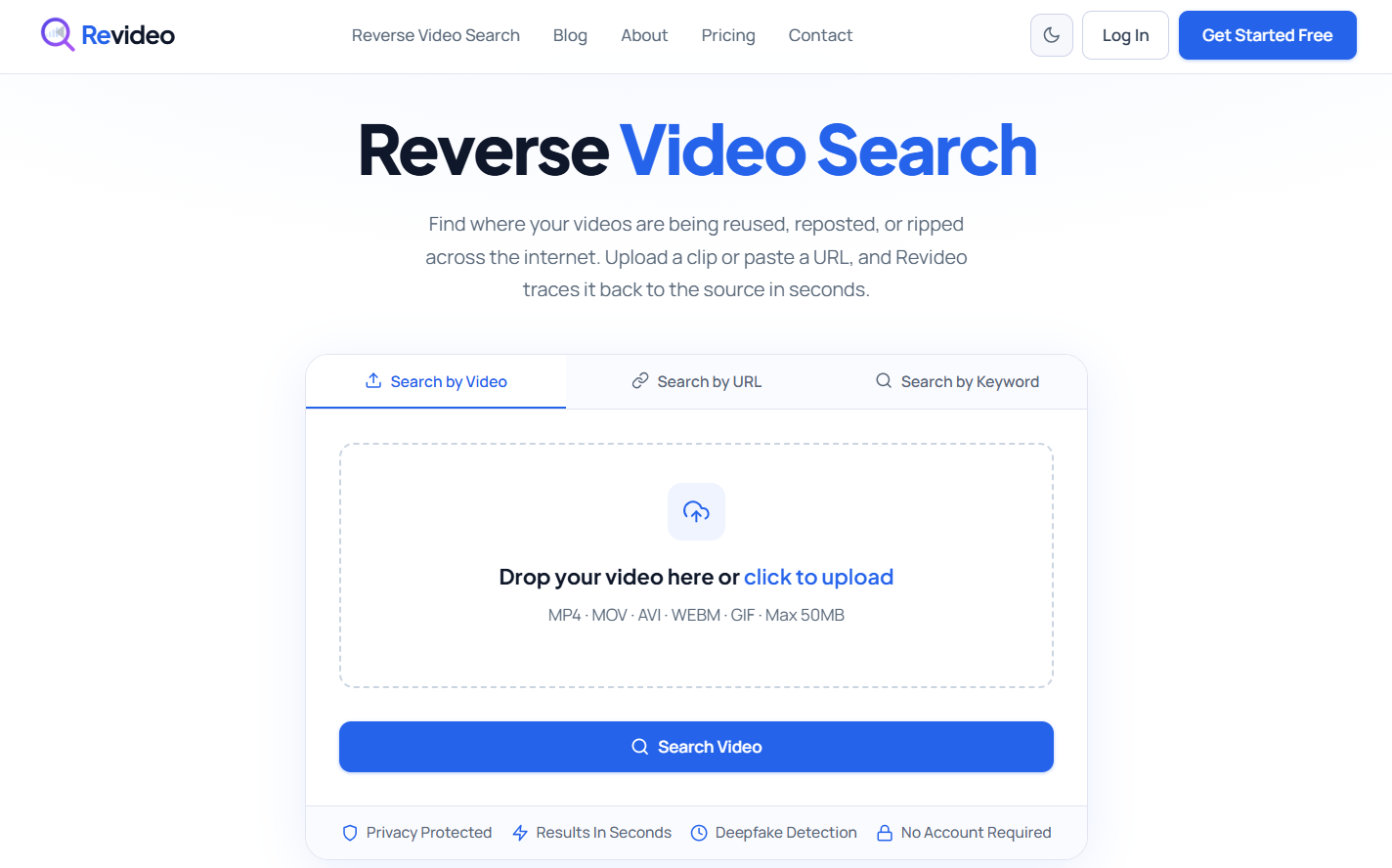
It searches through different search engines (Google, Yandex, Bing), social media (Facebook, Instagram, Reddit, X), and video-sharing platforms (YouTube, Vimeo) to discover similar matches.
2. ReverseVideoSearches.com
Another popular tool you can utilize is Reverse Video Searches. It’s a freemium tool that offers two different usages: QuickSearch and DeepSearch. The QuickSearch can be used for free and can discover similar matches across different platforms.
However, the DeepSearch is available in a premium version, and it performs deep searches.
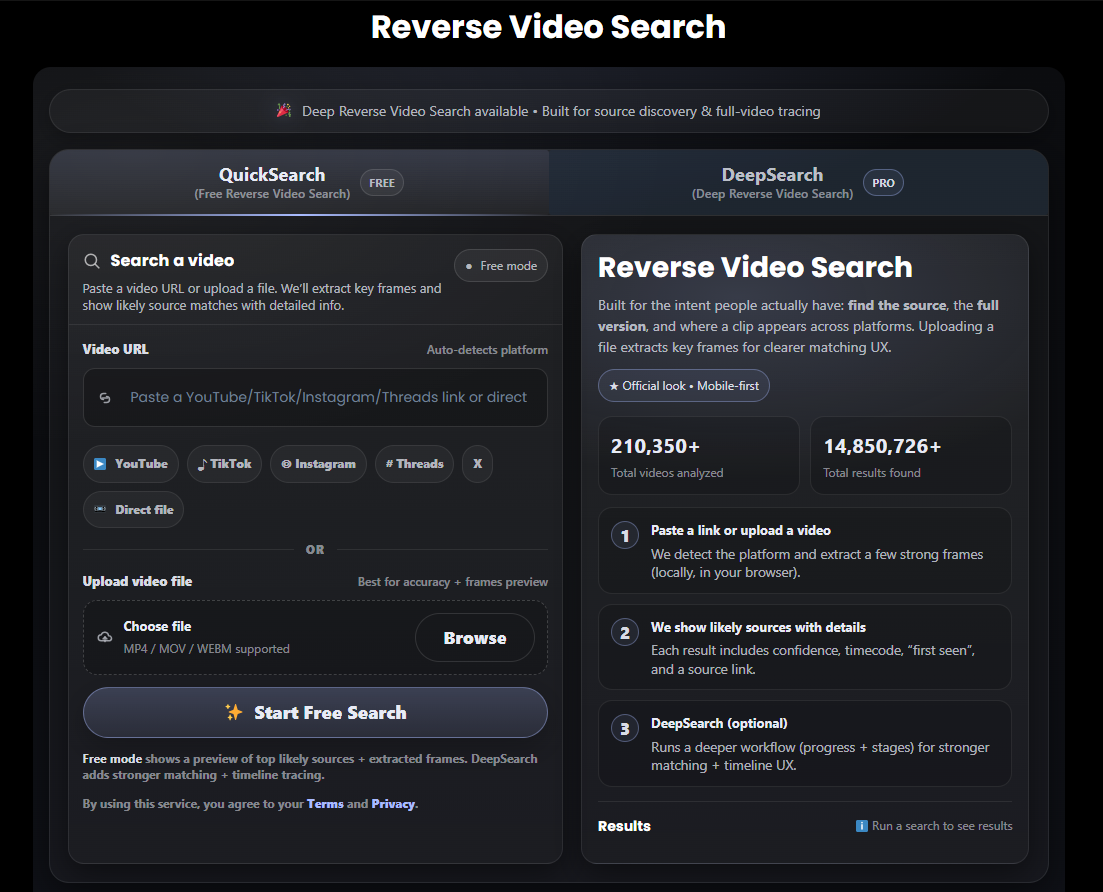
Reverse Video Searches lets you choose the specific channel from the given options, and the tool will find exact matches from that platform.
3. Berify.com
Reverse Video Search by Berify is a multi-engine video search tool that can find exact matches across Google, Yandex, and different social platforms. With an 800M+ indexed database, it instantly scans the data and discovers any identical results.
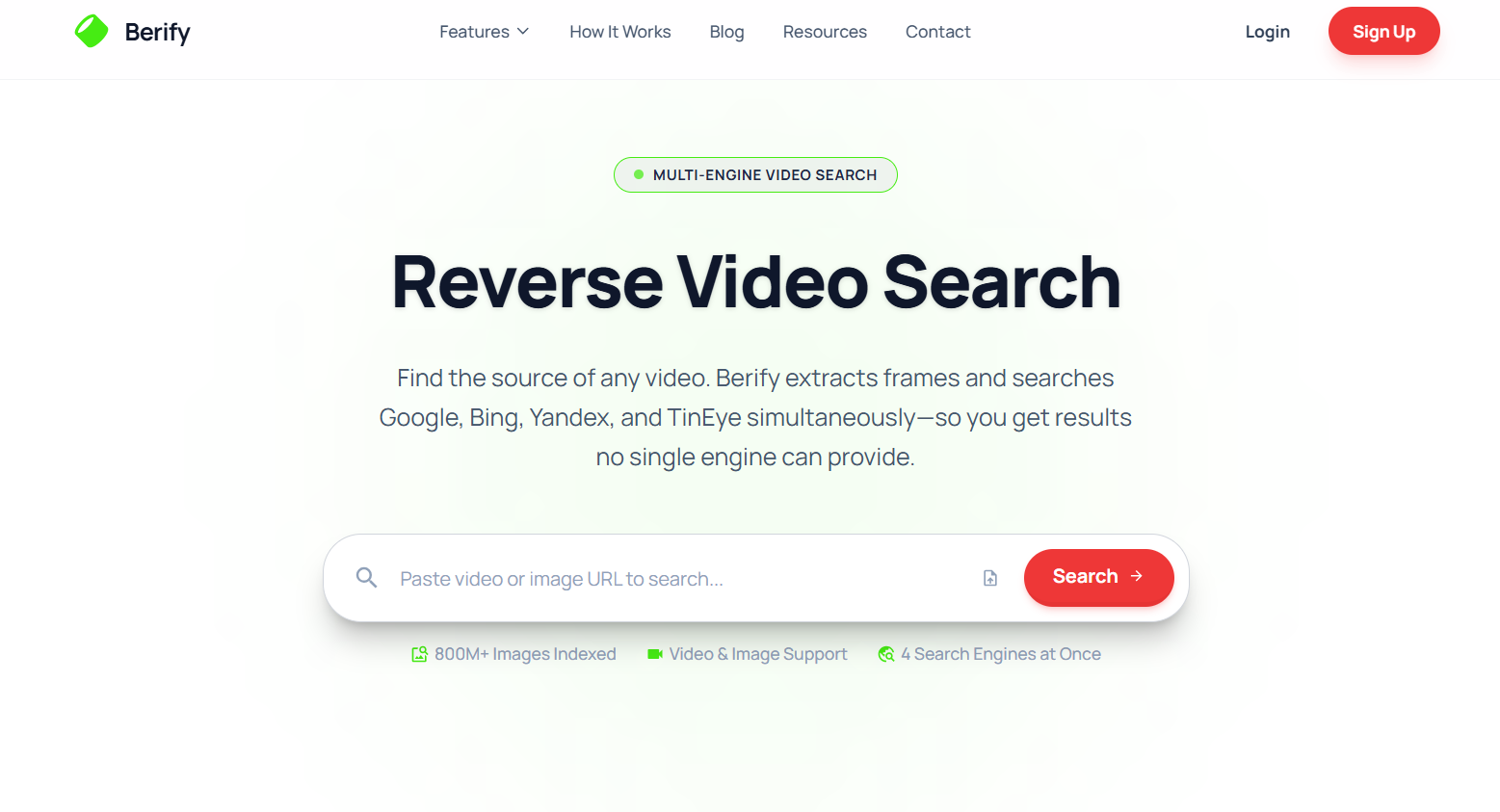
Reverse Video Search by Berify requires a sign-up to utilize, and you simply type the keyword or paste the video URL to get visually similar results.
Reverse Video Search: Pros & Cons
Pros |
Cons |
|
Easily find the original source of the video on the internet. |
Large videos take too much time to process. |
|
Helpful in detecting fake or edited news clips. |
Can’t find similar results on private videos. |
|
Perfect for keeping track of your commercial videos across the internet. |
|
|
Extract all main frames from the video and match them against the indexed database. |
What is Reverse Image Search?
Reverse image search (RIS) is an image search technique that helps you locate similar/duplicate images online. You upload the picture or search through the image URL to find similar results on the internet.
Reverse image search can be done through:
- Using Google Lens to scan and find duplicate images on the internet.
- Using dedicated reverse image search tools to perform multi-platform searches in seconds.
People like graphic designers, artists, and brands can take advantage of the reverse image search technique to protect their work. Additionally, users often rely on this method to locate the official brand website or an authorized store offering a particular product.
When to Use Reverse Image Search?
Let’s explore when and where you can benefit from reverse image search:
- Track the original source of the picture promptly.
- Protect your personal pictures from wrong usage.
- Find the official store where you can buy the product.
- Discover scammers who are using your images on social media.
Popular Reverse Image Search Tools
There are several reverse image search tools available online. Each of these tools have their own pros and cons, but if you are looking for free and AI-powered solutions, then these are the ones to try:
1. Reversely.ai
If you need a free reverse image search tool, then Reversely AI is the one to try. Its advanced AI technology finds similar images across multiple search engines and social platforms in just a matter of seconds.
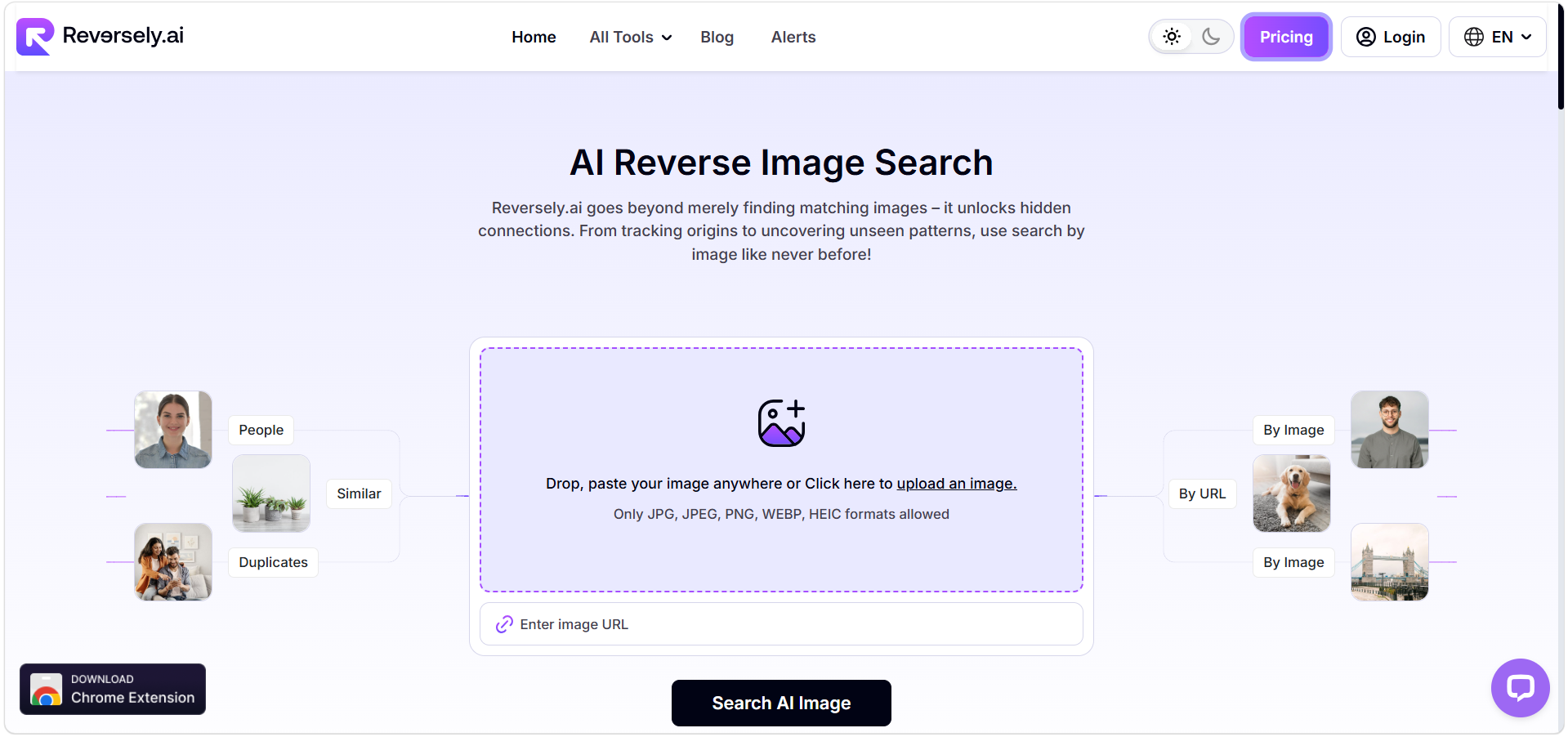
You can upload the image from the device storage or copy/paste the screenshot and find its exact matches online.
2. Lens.google
Google Lens is a dedicated image search tool that you can use to find similar pictures across the website and social media. It’s a completely free tool, but the only drawback is that it finds exact matches from Google's indexed database.
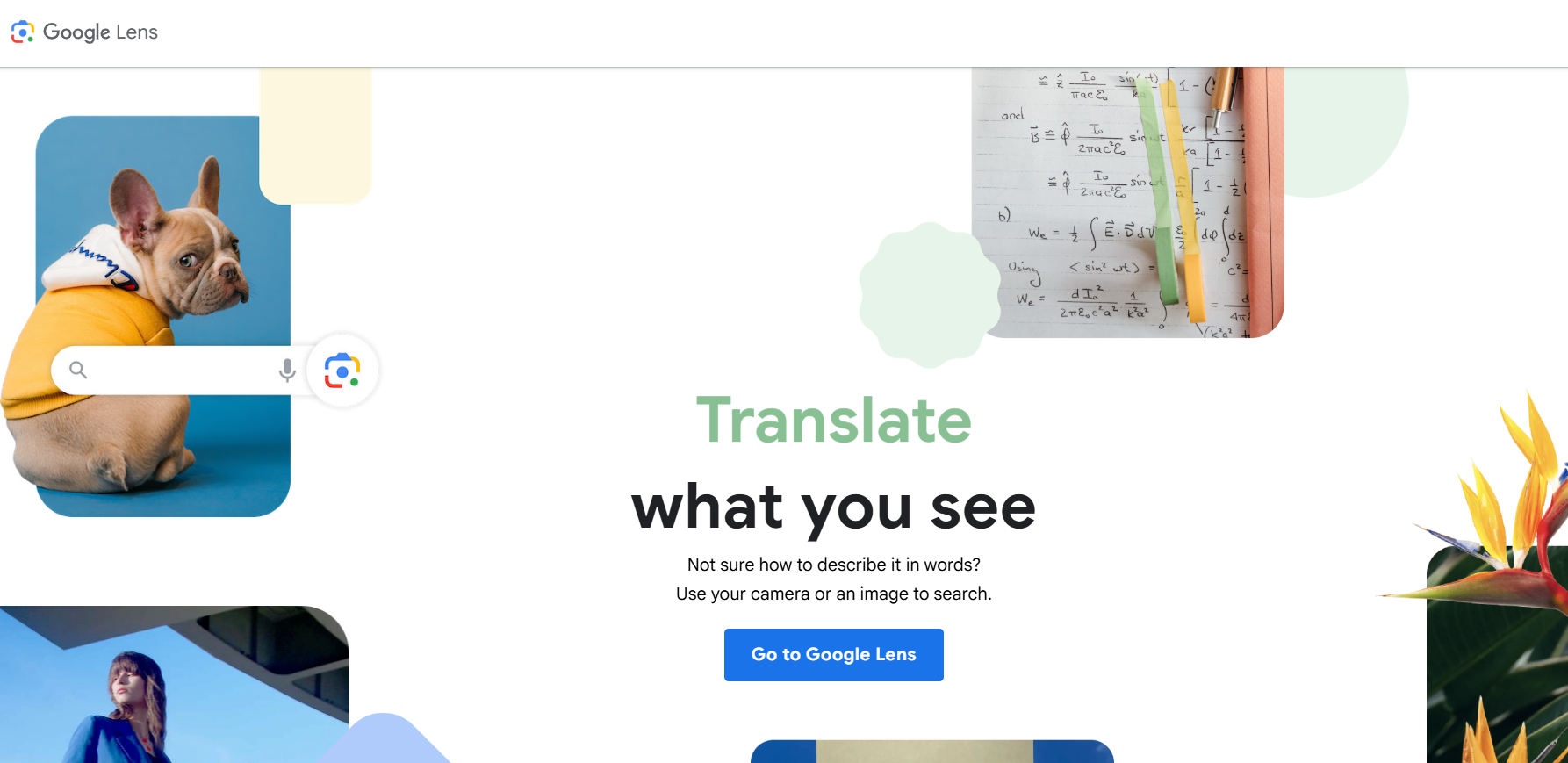
If the image is reposted on Bing or Yandex, Google Lens would not detect it. You can use Bing and Yandex dedicated tools to find images reposted on their search engines.
3. Lenso.ai
Lenso AI is just like Reversely, which scans your image across multiple platforms and finds the exact matches. However, to get the metadata and the URL of the discovered results, you must purchase their premium plan, which costs $19.99/month.
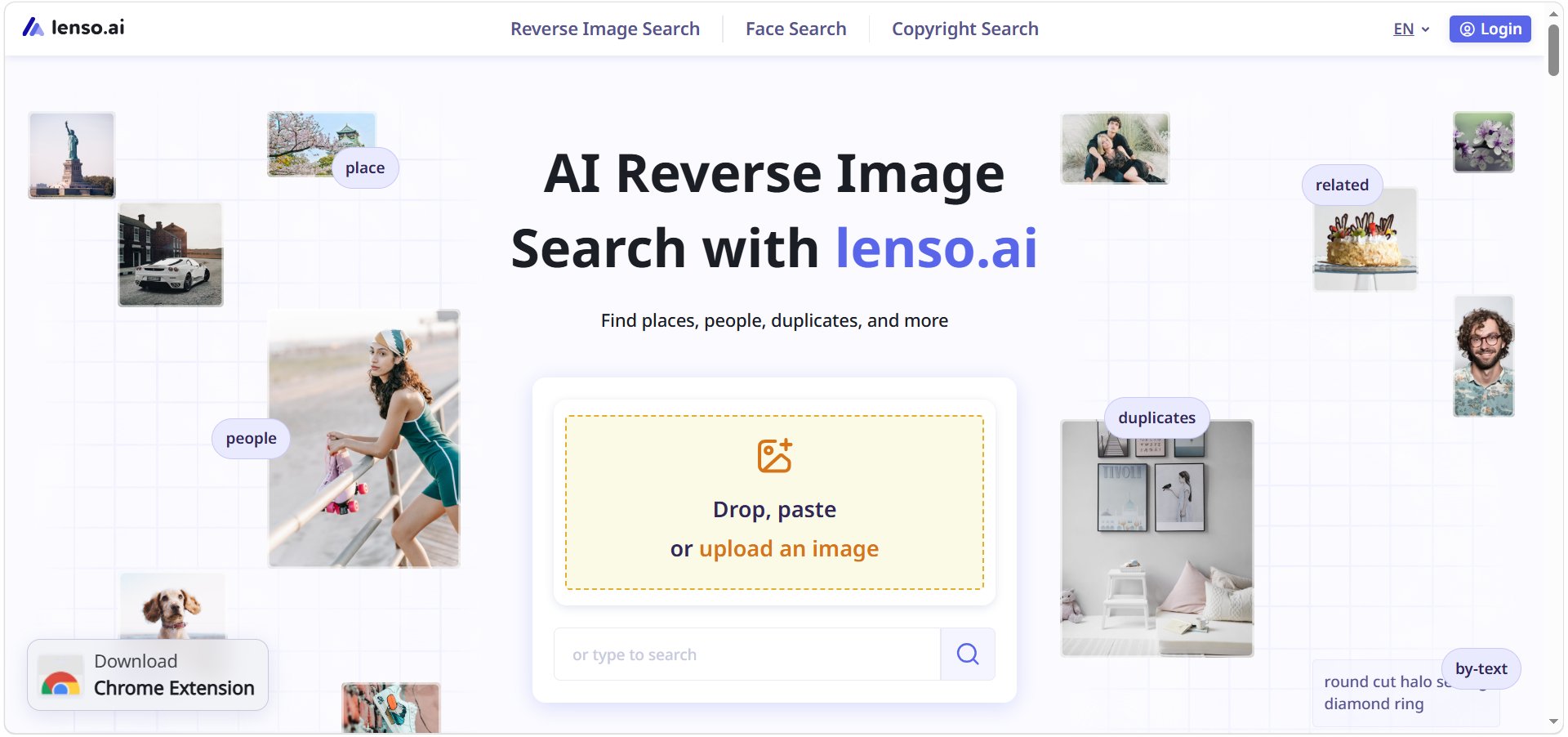
It’s a very powerful AI reverse image search tool that can instantly provide you with the exact matches.
Reverse Image Search: Pros & Cons
Pros |
Cons |
|
Eliminates the need to verify images manually. |
Only limited to scanning through the indexed data. |
|
Explore the product within the image and discover the source where it is available. |
Provides inaccurate image search results. |
|
Helps people to identify non-credit reposts of their images. |
Sometimes fails to recognize cropped or edited pictures. |
|
Effortlessly locate the high-resolution pictures online. |
Reverse Video Search vs Reverse Image Search: Detailed Feature Comparison
Here’s a detailed comparison between Reverse Video Search and Reverse Image Search to see how they differ from each other.
Search Input
Reverse video search is only dedicated to finding duplicate videos online. You simply upload the video, and it discovers similar matches from search engines and social media platforms.
But on the other hand, reverse image search can be used to locate images and videos online. It searches the internet and finds exact matches in the indexed database of the uploaded pictures. However, finding the video source through reverse image search is quite complicated, as you first have to take a screenshot of the key frame or thumbnail of the video and upload it into the tool to find unauthorized reposts.
Metadata Extraction
Reverse video search extracts the metadata of the video, including the date when it was published, source link, thumbnail, and caption. This way, you will be able to identify the original uploader of the video, when, and where it was posted.
However, in reverse image search, you only get the URL of the source where the video is uploaded and no other details.
Copyright Protection
If you upload personal videos on social media to share with people online, then reverse video search is best for you. It can help you protect your work from being stolen and take immediate action against a counterfeiter who is using your videos without credit.
Similarly, with reverse image search, you can keep track of pictures and images online to find any unauthorized or edited use. You can request the user to give you credit for using your pictures or file a DMCA complaint.
AI Technology
In reverse video search tools, AI technologies like Machine Learning (ML) and Computer Vision (CV) are utilized to do the frame-by-frame analysis of the video and find similar results online.
Conversely, in reverse image search tools, Convolutional Neural Networks (CNNs) and Content-Based Image Retrieval (CBIR) play a vital role in processing the image and finding its exact matches across the website and social media.
Processing Speed
Reverse video search tools usually take more time as they have to process the complete video, extract key frames, and match every single one of them to find exact or similar results. Yet, reverse image search tools only have to analyze the image and see if there’s any related or similar picture available online.
Frequently Asked Questions
Can you find videos using reverse image search?
Yes, but only indirectly. Reverse image search tools cannot analyze a video file itself. Instead, you need to capture a clear screenshot from the video and upload it to a reverse image search tool like Google Lens. If that frame has been indexed online, you may find related web pages, thumbnails, or reposts. However, because only a single frame is analyzed, this method often misses the original source or edited versions of the video. A dedicated reverse video search tool provides more reliable results by analyzing multiple key frames instead of just one image.
Does reverse video search also work on private videos?
Reverse video search cannot work on private videos. Most reverse search tools can only scan publicly accessible and indexed content. Private videos, images, or restricted social media posts typically won't appear in search results.
Can reverse image search identify edited or cropped images?
Reverse image search can identify cropped or edited pictures. But it all depends on the AI technology tool and how heavily images are edited. If the image is only mirrored or its brightness is adjusted, then reverse image search can discover similar results.
Wrapping Up
In conclusion, reverse video search and reverse image search can be potent tools for identifying duplicate content on the web; they just do different things. If you are looking to find video reposts, detect original uploads, or protect video content, you're better off using reverse video search. Meanwhile, reverse image search is perfect for discovering the source of images, unauthorized image use, and products on the web. By being aware of these differences, you'll know which tool to select to achieve the best results.