Looking for the best reverse video search tool? Explore the top free and paid solutions for finding original video sources, tracking duplicate uploads, and verifying viral videos with detailed features, pricing, and performance comparison.
Reverse video search is a technique in which you use a clip or a complete video to find its exact matches on the internet. If you suspect someone is using your personal videos on social media platforms to scam people, then this approach can help you locate them in an instant.
However, performing a manual video reverse search can take too much time and is not reliable for accurate results. But there are some online tools that can do the same thing in a short interval of time and find exact matches.
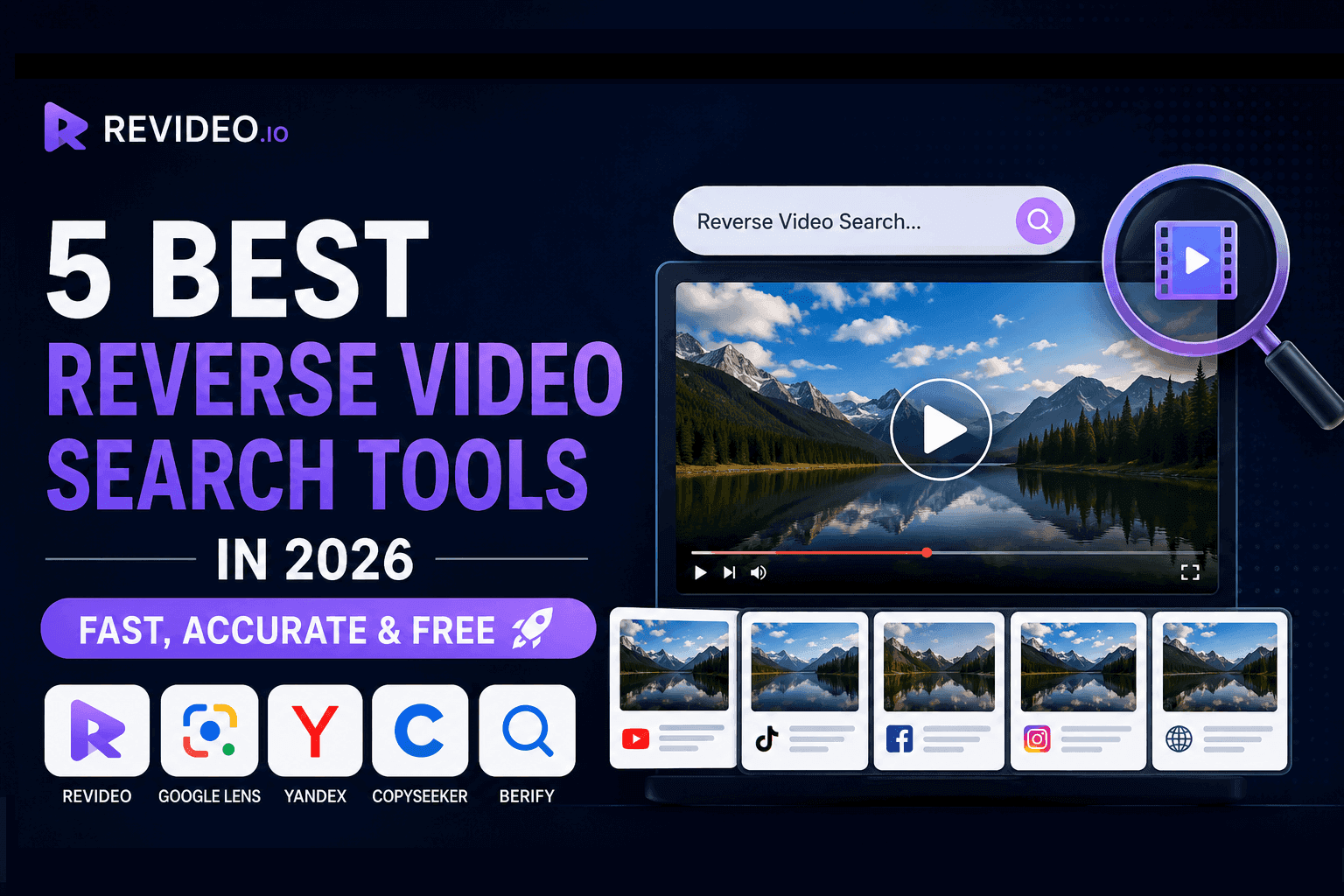
So, let’s talk about the five best online reverse video search tools that you can use in 2026.
What is the Reverse Video Search tool and How Does it work?
A reverse video search tool helps you find the source of a video, discover where it has been reposted, and identify similar copies across the web. You can upload a clip, full video, or paste its URL, and the tool analyzes the visual content and finds the exact or similar match results.
If you're new to this technology, you can read our detailed guide on how to reverse video search to learn the complete process step by step.
Here’s how the reverse video search works:
- Video Analysis: The tool scans the uploaded video and examines its visual content.
- Frame Extraction: It extracts all possible unique key frames from different moments in the video.
- Pattern Recognition: It compares those frames against indexed content available online.
- Matching Process: The tool searches for identical or visually similar videos across search engines, websites, and social media platforms.
- Results Display: It returns the exact matches and similar matches, along with their sources across the web.
It’s the most reliable method that reverse video search tools use to discover similar results on different platforms.
5 Best Reverse Video Search Tools for Accurate Results (2026)
|
Features |
Revideo |
Yandex SBI |
Google Lens |
Copyseeker |
RVS by Berify |
|
Accuracy |
10/10 |
8.7/10 |
9.5/10 |
9/10 |
8.0/10 |
|
Video Upload |
Yes |
No |
No |
No |
Yes |
|
Upload method |
File upload, URL, and keyword search |
File upload and keyword search |
File upload |
File upload and URL |
File upload and URL |
|
Ease of use |
Very user-friendly |
Yes |
Yes |
Yes |
Yes |
|
Free Plan |
Yes |
Yes |
Yes |
Yes |
Limited |
|
Signup |
No |
No |
No |
Yes |
Yes |
|
Best For |
Finding the original source |
Face matching |
Quick searches |
Duplicate searches |
Copyright tracking |
1. ReVideo
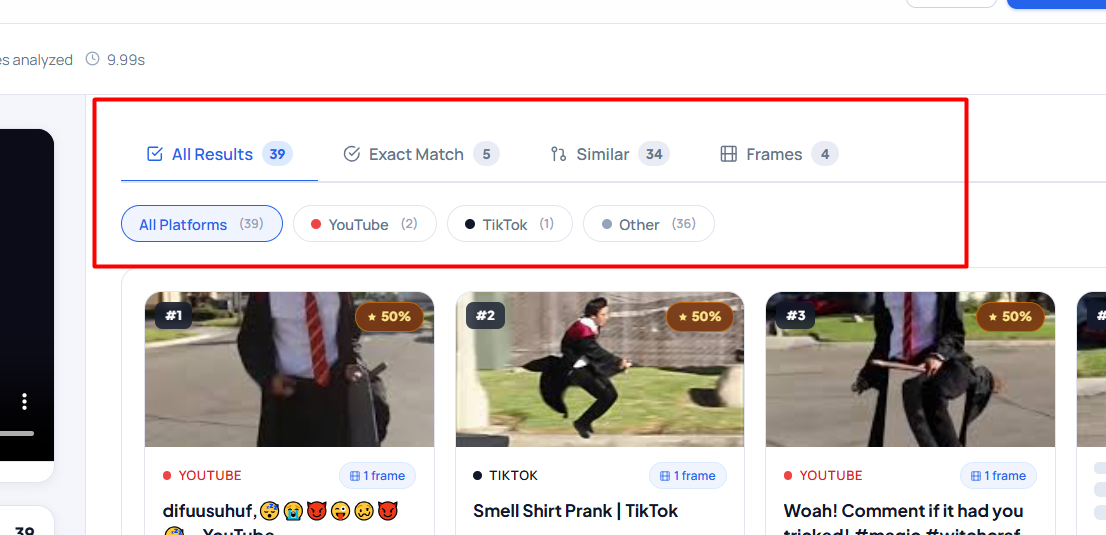
ReVideo is an online reverse video search tool that lets you perform reverse video searches for free and efficiently. The tool uses advanced AI technology that extracts and analyzes every single frame of the video, matches them in the database, and finds any similar results.
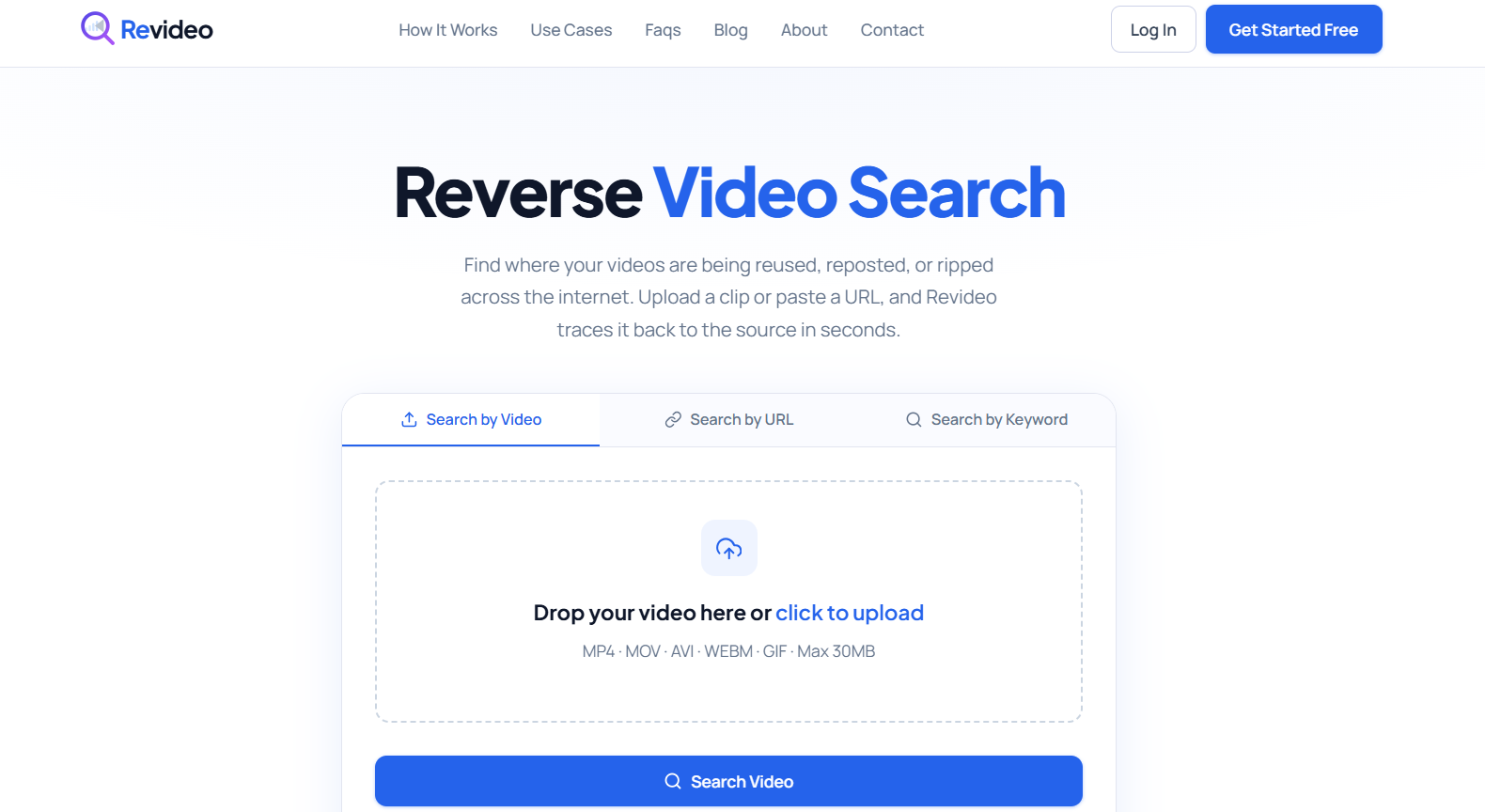
Whether you want to check who is using your videos to scam people, find the original source of a video, or the real owner of a specific video, Revideo can discover all sources in an instant.
Here’s how you can use this reverse video search tool:
-
Upload your video from device storage or copy/paste the URL of it.
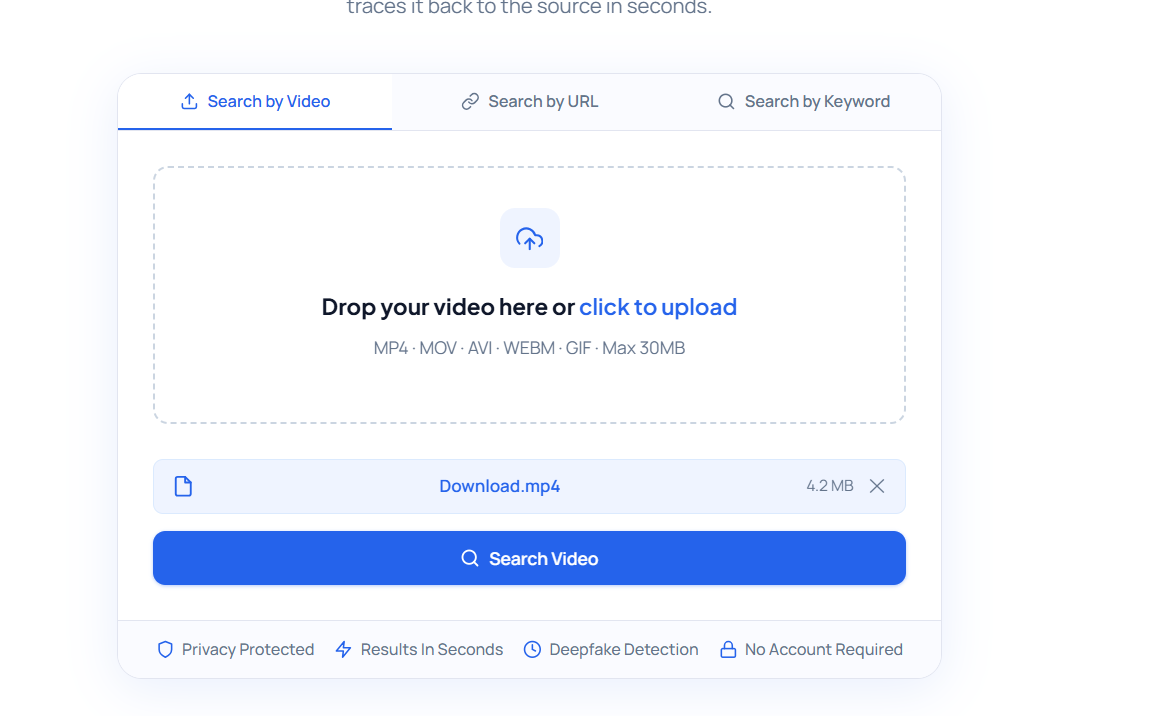
-
Once the video is uploaded, click the “Search Video” button.
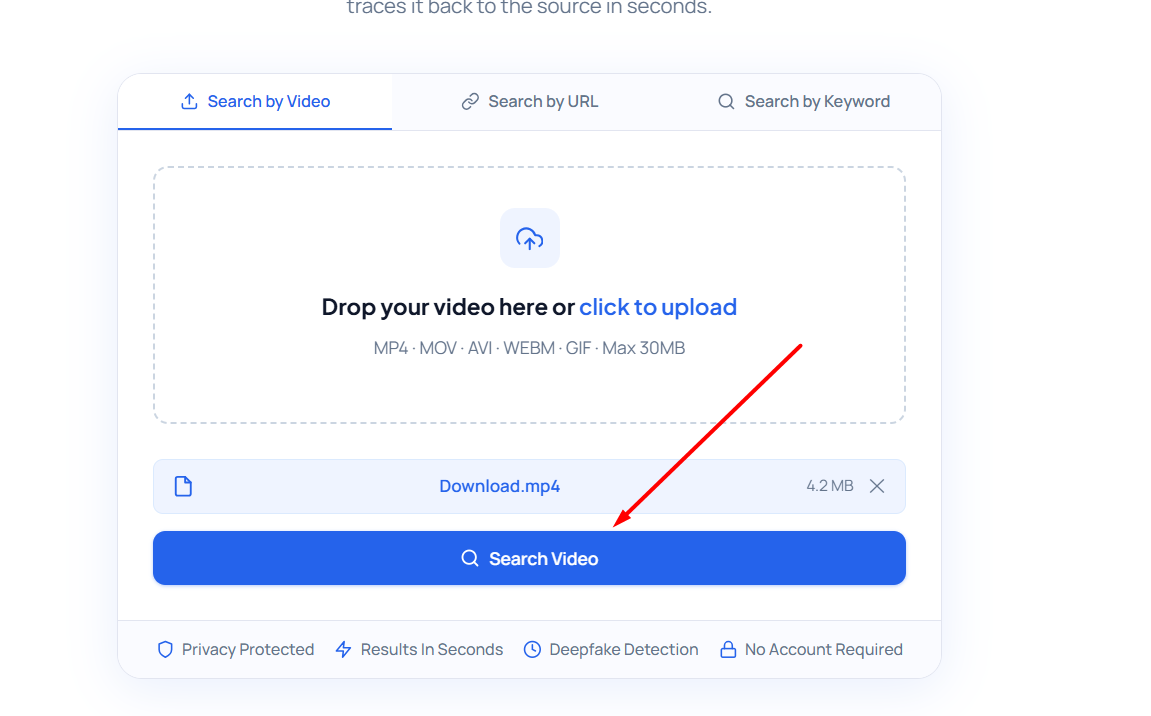
-
Revideo will start processing the video, extracting frames, and analyzing each one to find exact matches or similar results.
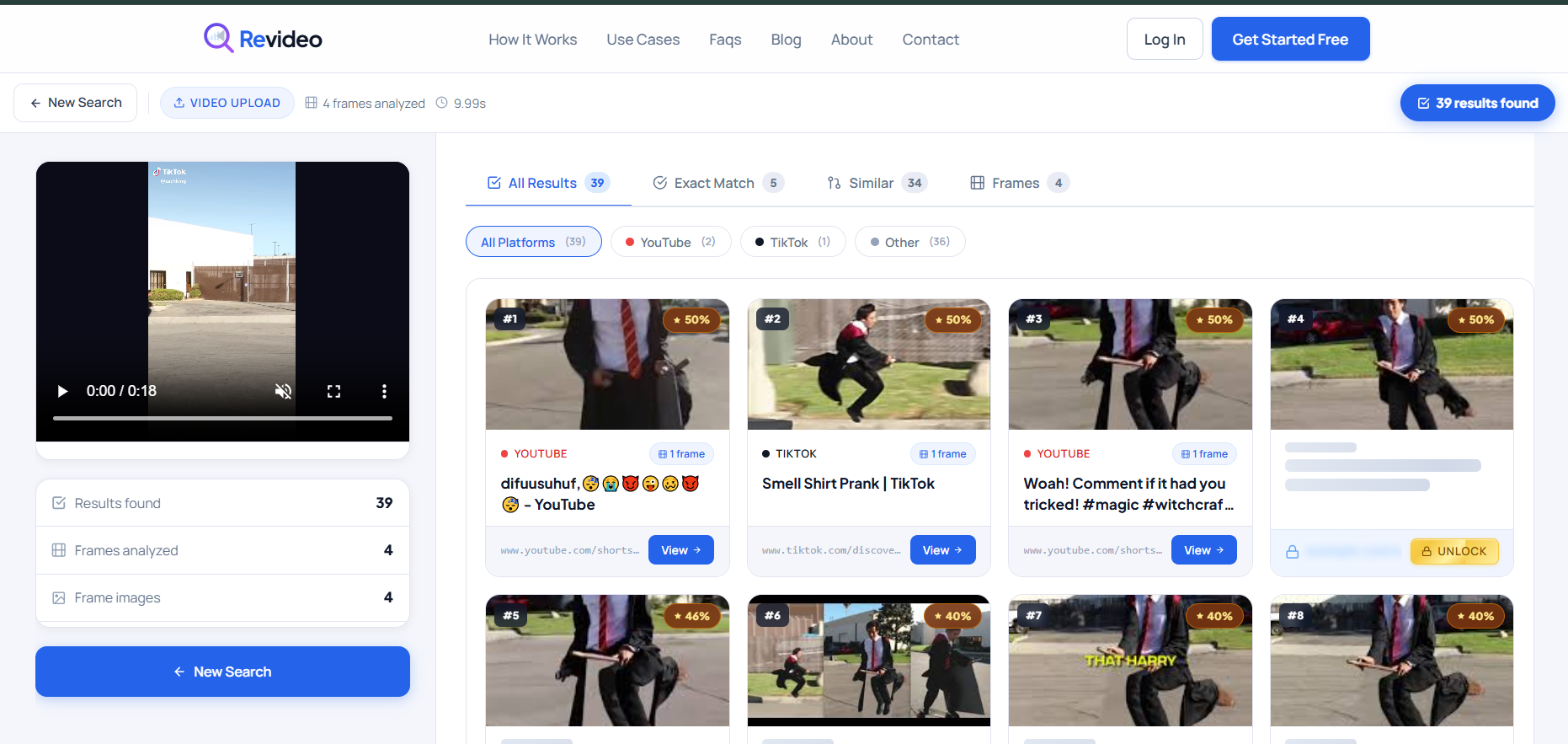
-
It will then categorize the results based on similarities.
Why it’s best
For anyone looking for new content ideas, the owner of a specific video, or fraudsters using your videos to scam others, Revideo is a good option. It can promptly analyze videos and search across platforms, including Google, Bing, and social media, all at once, to find similar results.
Features
- Revideo can be used for free with no signup.
- Powered by sophisticated AI to find similar results quickly.
- Ability to search through multiple platforms simultaneously.
- Results also display the direct URL for easy checking.
Pricing
Revideo does not have any premium plans, meaning you can use it completely for free.
2. Yandex Search by Image
Yandex is a Russian search engine that also provides its dedicated Search by Image tool. You can use this free tool to find similar videos published on Yandex by uploading their thumbnail or screenshots.

It also works similarly to Revideo, extracting keyframes from a video and matching them against online index data.
Why it’s best
Reverse Image Search by Yandex is a good choice for users who want a straightforward tool without complicated steps. You upload the image, and it reverse searches it online. Its clean interface also makes it useful for users who rarely need to reverse search a video across the web.
Features
- Simple and beginner-friendly interface.
- Extracts multiple frames from videos automatically.
- Works directly from the browser with no software installation.
Pricing
Yandex Search by Image is available for free use.
3. Google Lens
Google Lens is a famous tool that is used for image recognition and the reverse process. You upload the screenshot or picture from a video in Google Lens, and it finds related visual results available on Google.
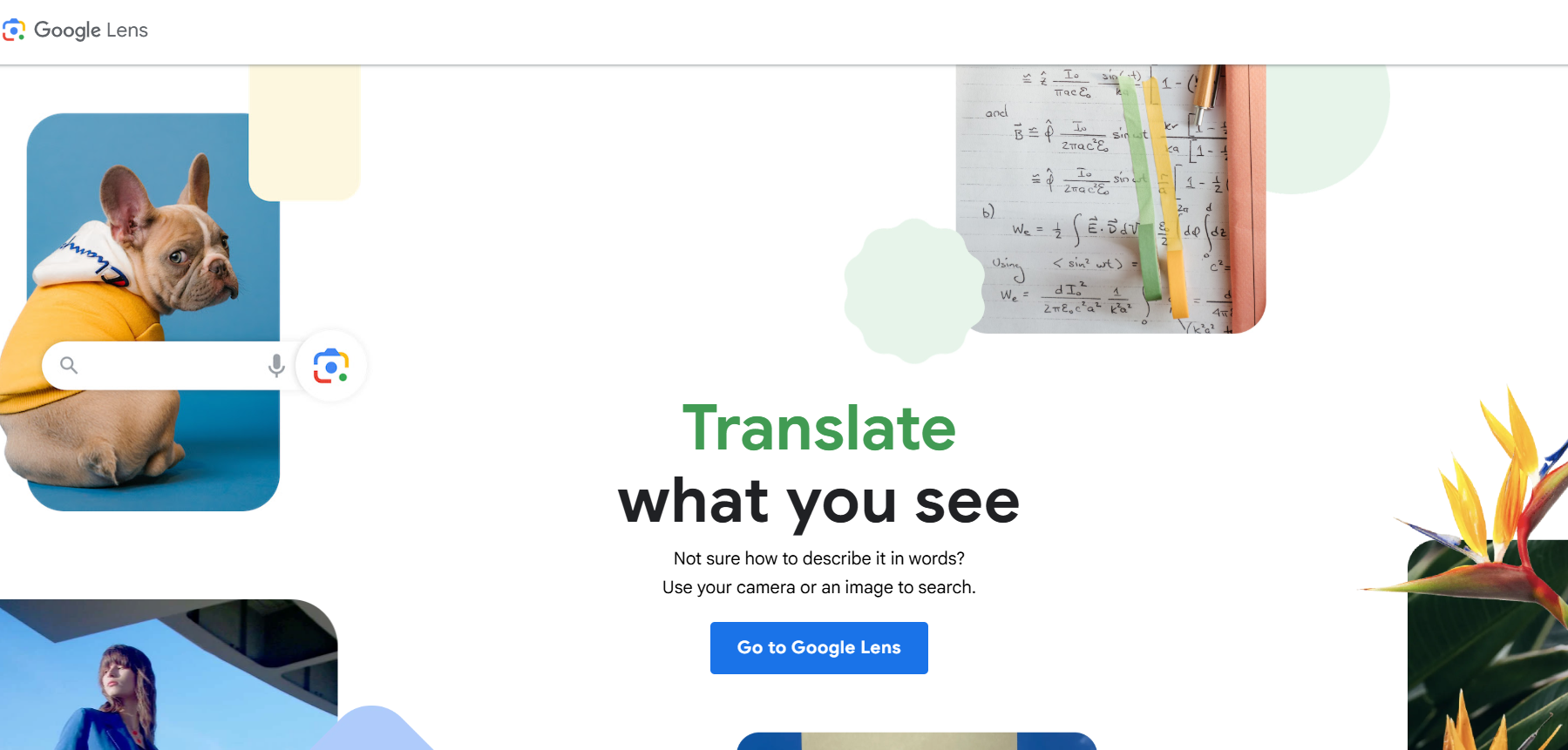
But here’s the twist. This tool can only find results that are indexed by Google. But if you want to perform a cross-platform search, then you can use Revideo for that.
Why it’s best
Google Lens works best for users who want fast and reliable search results backed by Google’s massive database. Since it integrates with Google Search, Android devices, and Chrome, it offers a convenient way to watch videos without using third-party software.
Features
- Uses Google’s visual recognition technology for accurate matches.
- Can identify objects, landmarks, products, and text from video frames.
- Available on mobile devices and desktop browsers.
-
Integrates directly with Google Search for broader results.
Pricing
Google Lens is completely free to use.
4. Copyseeker
Another efficient and accurate tool that you can use to perform reverse video search is Copyseeker. It is designed to help creators, marketers, and video editors to locate duplicated or unauthorized reposts of their viral content on social media.
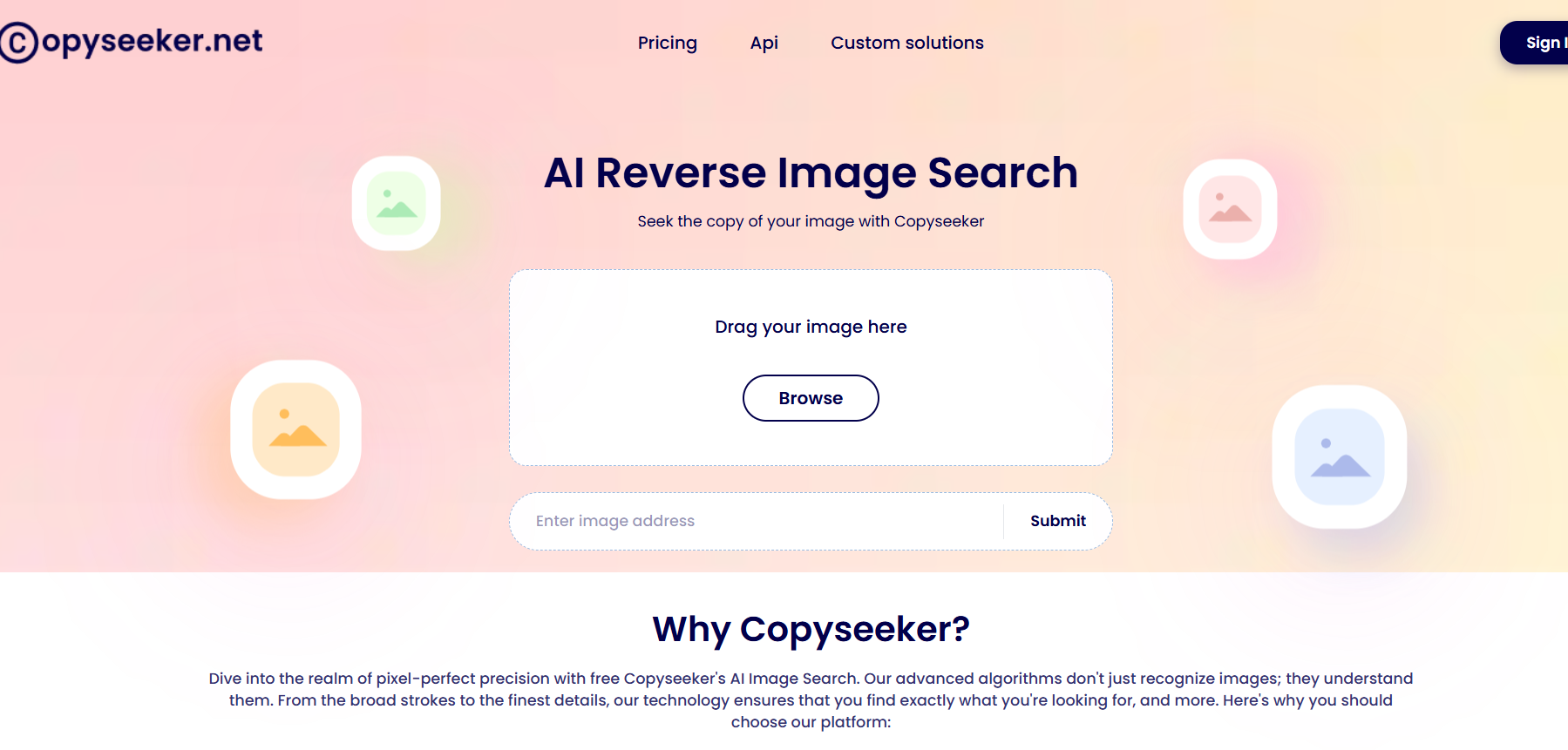
Here’s how you can use it: Take a screenshot, upload it to Copyseeker, and within seconds, it will provide you with the best matching results online.
Why it’s best
The best thing about Copyseeker is that it stands out for users who need content tracking and duplicate detection. It can easily identify unauthorized reposts, and you can take immediate action against them before it’s too late.
Features
- Finds duplicate and visually similar content online.
- Supports reverse searches using video frames.
- Helps creators track reposted content.
- Fast search process with clean result pages.
Pricing
Copyseeker premium plan starts from $9/month and offers additional features like unlimited searches and an ad-free experience.
5. Reverse Video Search by Berify
Berify is a toolkit that offers various helpful tools, including its Reverse Video Search. Users can find their personal stolen or reuploaded videos across the internet using this tool.
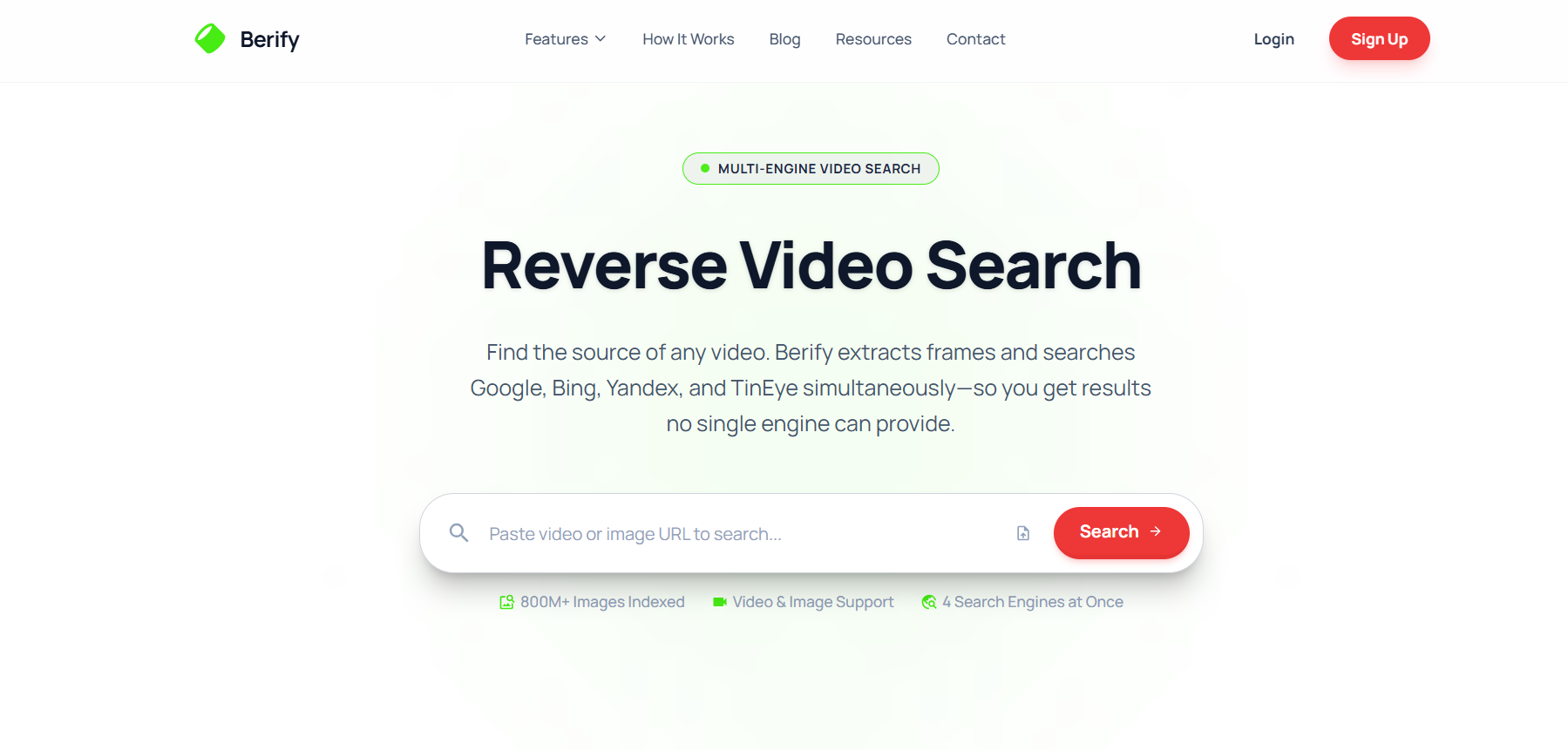
It scans Google, Bing, and different social platforms to identify matching content and possible reposts. For photographers, video creators, agencies, and brands, Reverse Video Search by Berify is a perfect fit to keep track of their work and protect it from fraudsters.
Why it’s best
Berify is a strong option for professionals who regularly monitor content usage online. Its automated tracking system helps users discover copied videos and receive alerts whenever matching content appears on the web.
Features
- Utilizes image matching technology for accurate results.
- Searches across websites and social media platforms.
- Extracts multiple frames from the video and performs a reverse search on them.
Pricing
Berify is a premium tool that offers only a 3-day trial; after that, you will be charged $24.95/month. The premium plan offers different unique features and also extends the usage limit.
Which Reverse Video Search Tool Is Most Accurate?
After taking a side-by-side comparison of these five reverse video search tools, here’s what we learned.
Each tool has its own potential and offers unique features, which means you can pick the best reverse video search tool that fulfills your needs. For instance, if you want to use a free, AI-powered, and easy-to-use tool, Revideo.io is the best option.
Yandex Search by Image, Google Lens, and Copyseeker almost work the same and assist you in finding similar video results from a screenshot or thumbnail. Lastly, if you need a quick response, then Reverse Video Search by Berify is the one to consider.
How to Pick the Right Reverse Video Search Tool
The following are key points that you need to know before picking the best reverse video search tool:
- Simple and easy-to-use UI.
- Offers free usage with a few limitations.
- Does not require a sign-up or account creation.
- Identifies deepfakes and manipulated videos instantly.
- Check for accuracy and see if it finds exact matches.
- Search across multiple social platforms and search engines.
Frequently Asked Questions
What is the best reverse video search tool in 2026?
The best tool depends on your needs. If you want to find the original uploader of a viral clip, AI-powered platforms like Revideo.io provide a faster and more accurate solution than traditional image-based methods.
Can you use a reverse video search tool on iPhone?
Yes, you can use a reverse video search tool on your iPhone to find the source of the clip or similar results. In your browser, you can open Revideo and upload the video from your device storage, and it will identify similarities over the internet.
Can I reverse search TikTok videos?
Yes. Many reverse video search tools can help track down the original source of TikTok videos, especially when they have been reposted across multiple platforms.
How do I find the original source of a viral video?
Upload the video or extract a clear frame and use a reverse video search tool. These tools compare visual patterns across the web to help locate the earliest known upload.
Does Revideo also check through Yandex and Bing?
Yes, Revideo performs a multi-platform search in which it covers all search engines (Google, Yandex, and Bing) and social platforms (Facebook, Instagram, X, Reddit, and Pinterest).
Wrapping Up
Let’s conclude this blog here.
Reverse video search tools are the easiest way to confirm viral clips, find creator information, and identify scammers using your videos. The above-mentioned tools offer distinctive features and benefits that can fulfill users’ needs without costing much. The ultimate decision will come down to how many reverse video searches you want to make and how accurate they are in finding similar results.