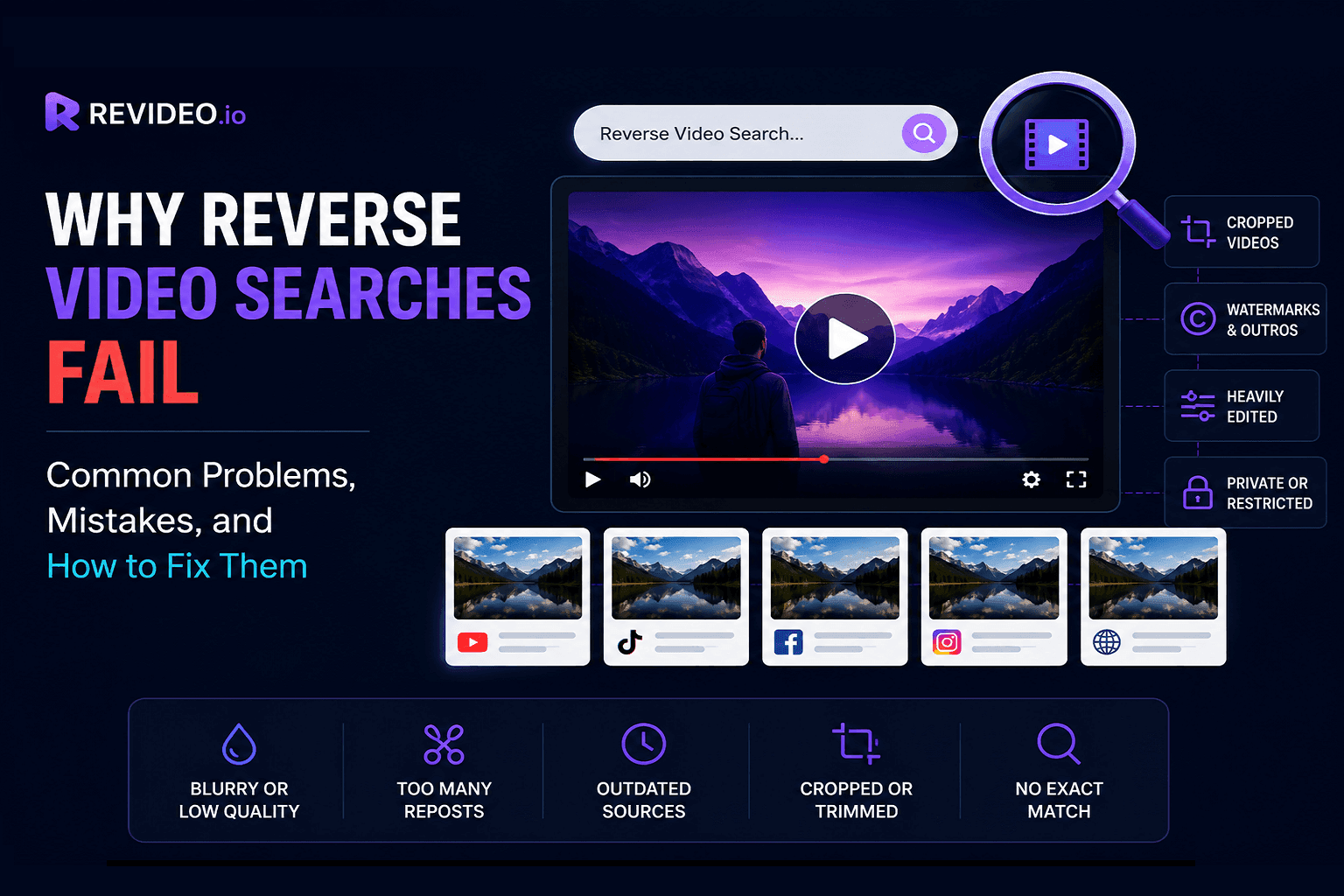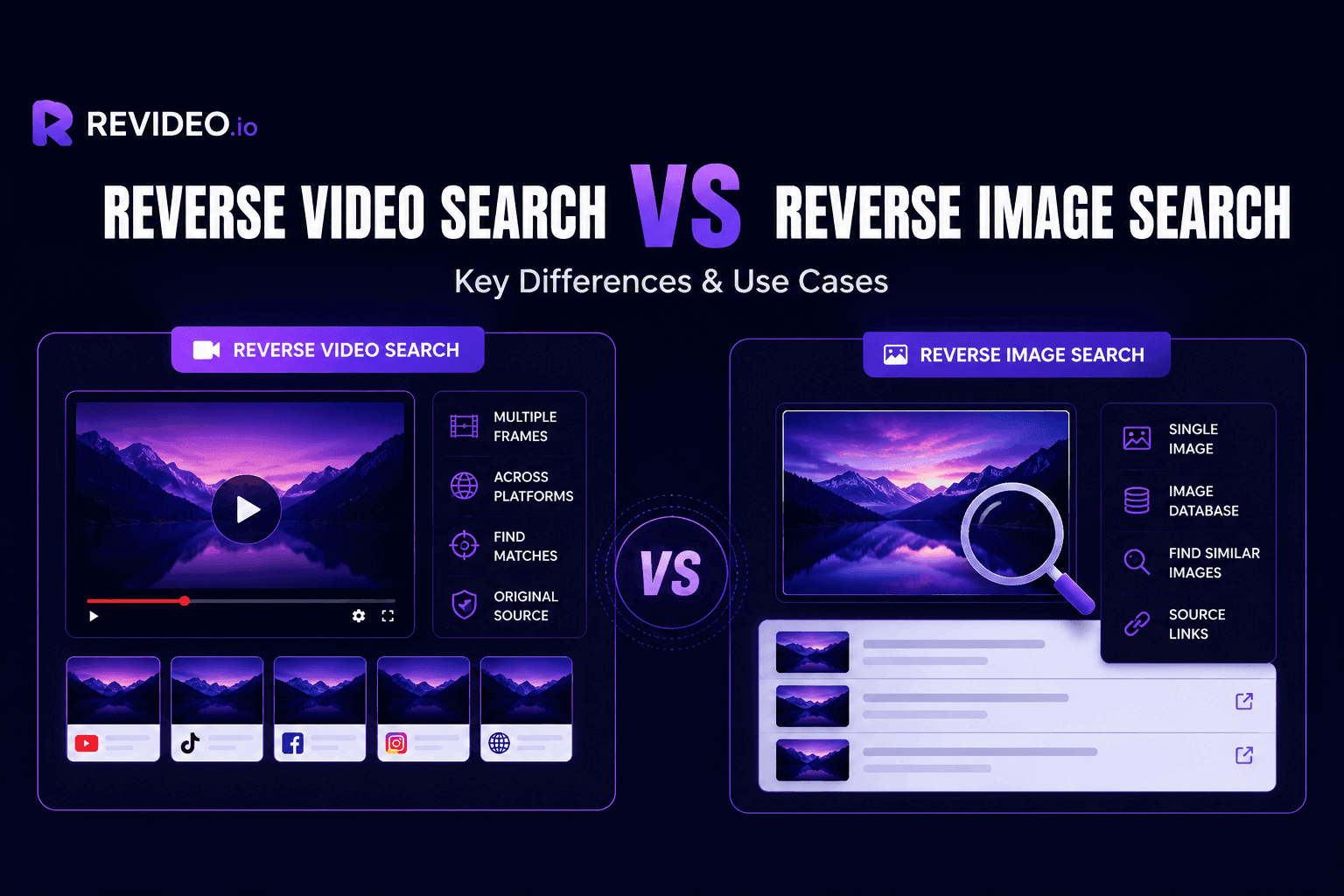
Find the original creator of any TikTok video using four simple and effective methods. This guide compares each approach and helps you choose the best one for accurate results.
TikTok has become one of the most popular platforms for sharing news, trends, and viral content. However, the majority of clips are reposted without credit or taken out of context, making it difficult to verify where that video actually came from.
That’s why finding and verifying the source of a TikTok video before sharing it with others has become important. If you are looking for reliable and accurate methods to trace the TikTok video source, then this blog is for you.
In this blog, we'll walk you through the most effective methods to trace the source of a TikTok video and explain when each one works best.
Let’s check them out together.
4 Effective Methods to Find the Original Source of a TikTok Video:
The following methods are tested by humans to see if they really locate the original TikTok upload online.
-
Try Searching with Hashtags
The easiest way to find an original TikTok video is by searching through hashtags. Because if a person copies someone else's video, they also try to copy/paste the caption and hashtags.
Therefore, you can simply click on the hashtag and see if there are any duplicated videos.
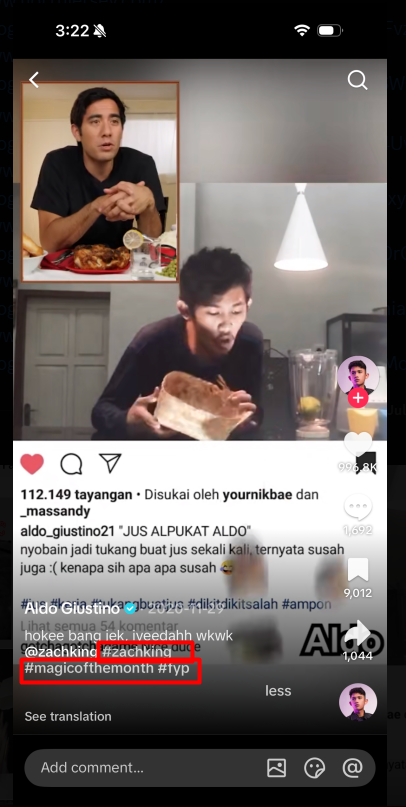
Follow these steps to search for the video source on TikTok through hashtags:
-
Check the video caption, and there you will see a few hashtags (#hashtag).
-
Click on any hashtag, and TikTok may show you random videos posted.

-
There, you can check if the same video is published by different users.
Limitations
-
If a person has not used the same hashtag, the video won’t appear in the list.
-
The hashtag also lists irrelevant videos in the results.
-
Finding a duplicate video in a popular hashtag is very time-consuming.
-
Examine the Audio
TikTok now also shows the name of the audio, so you can check other people’s videos with the same sound. Taking advantage of this feature, you can also verify videos on TikTok and see who the real owner is.
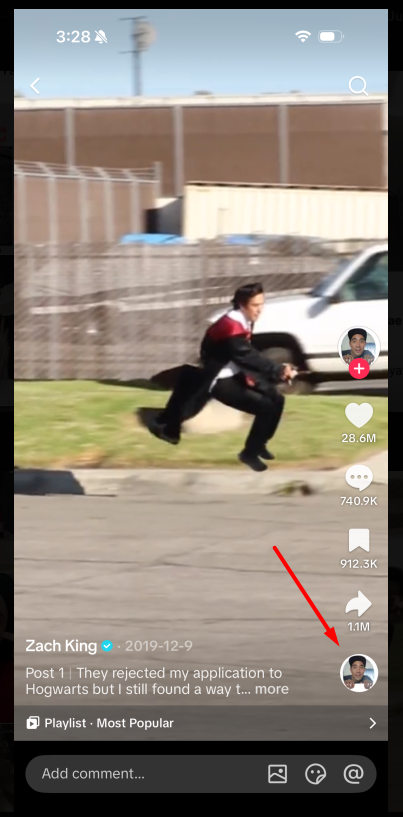
Here’s how to examine the video through the background video:
-
In the bottom right corner, you will see a small icon.
-
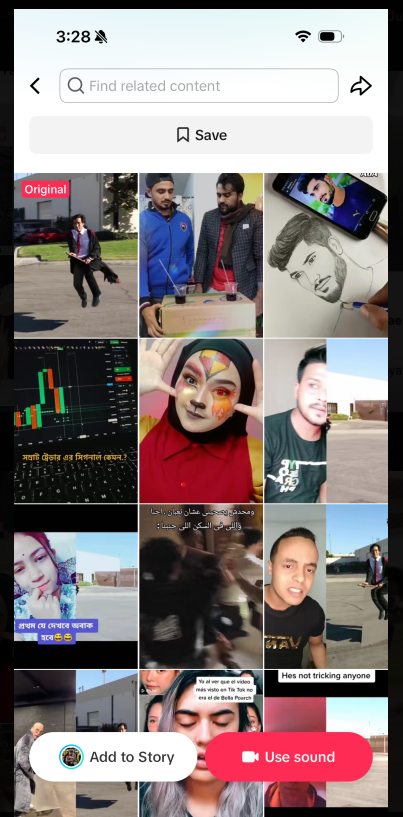
Click on that, and there you will see multiple videos created on the same sound.
-
TikTok automatically adds the “Original” tag to the real owner of the video. The rest videos created on the same sound are copied to gain views.
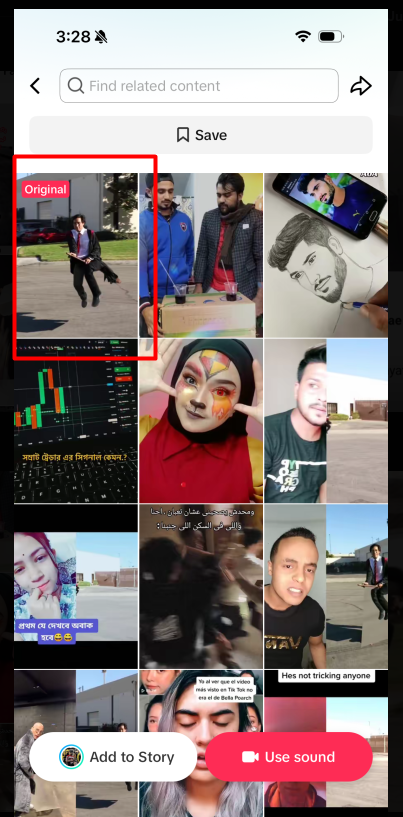
Note: This method won’t work if the owner hasn’t selected the same audio when posting a duplicate video on TikTok.
Limitations
-
Only works if the reposted video uses the same audio.
-
Too many unrelated videos make it complicated to find the original uploader.
-
The “Original” label refers to the original use of the audio, not necessarily the original creator of the video.
-
Use Revideo Reverse Video Search
Another helpful and time-saving method to find the original source of a TikTok video is by using Revideo.io. It’s a free reverse video search tool that you can use to track the original creator of a TikTok video. This reverse video finder extracts keyframes and matches them against the indexed database to discover identical results. Unlike manual searching, Revideo analyzes multiple keyframes instead of relying on hashtags or captions. This allows it to discover visually similar videos even when the title, description, or hashtags have changed.
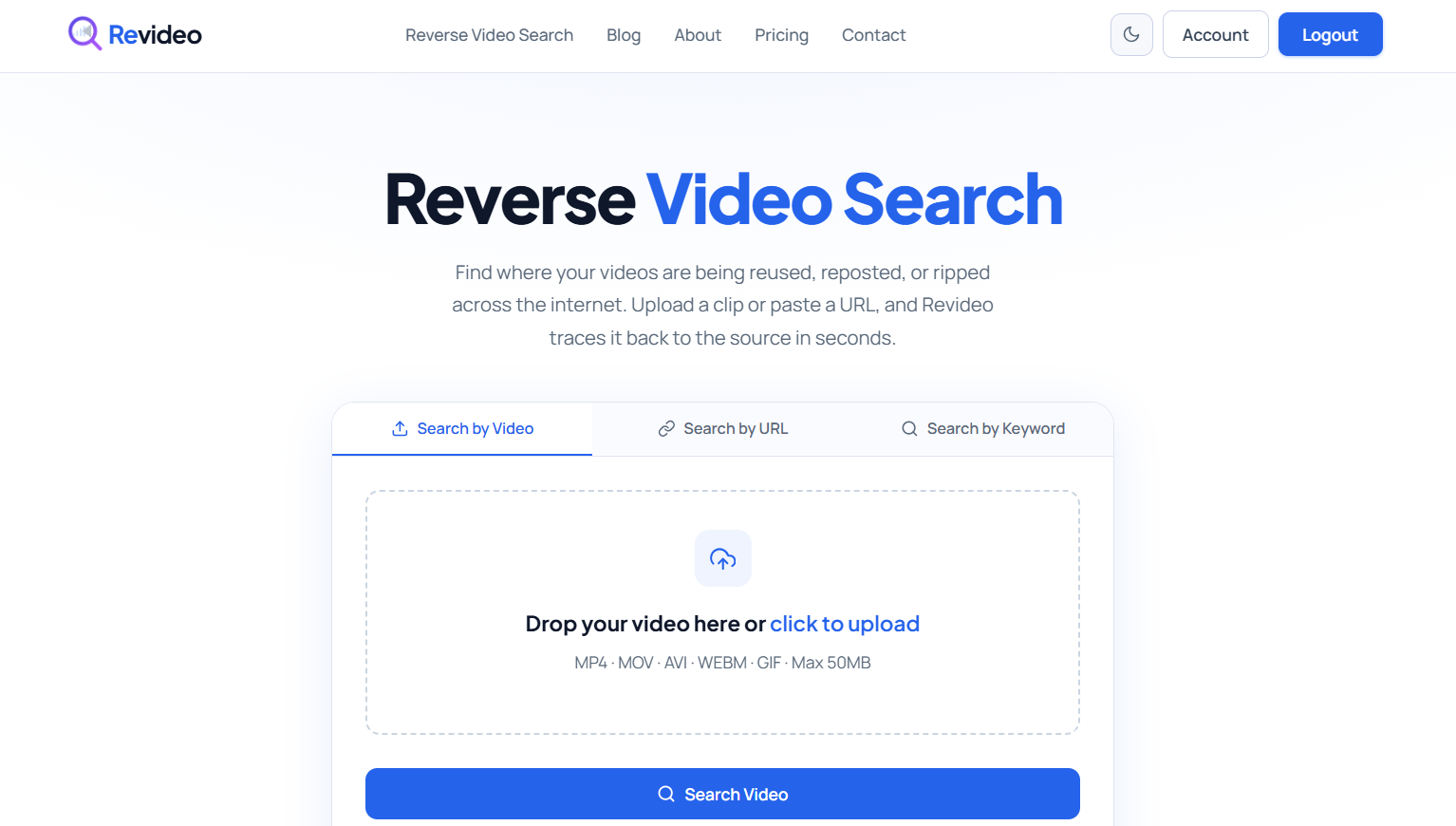
Using Revideo is one of the most convenient and effective approaches to finding the source of a TikTok video. You simply upload the video, It searches for visually similar duplicates and also checks if the TikTok video is stolen.
Here’s a complete guide on how you can utilize Revideo to trace the source of a video.
-
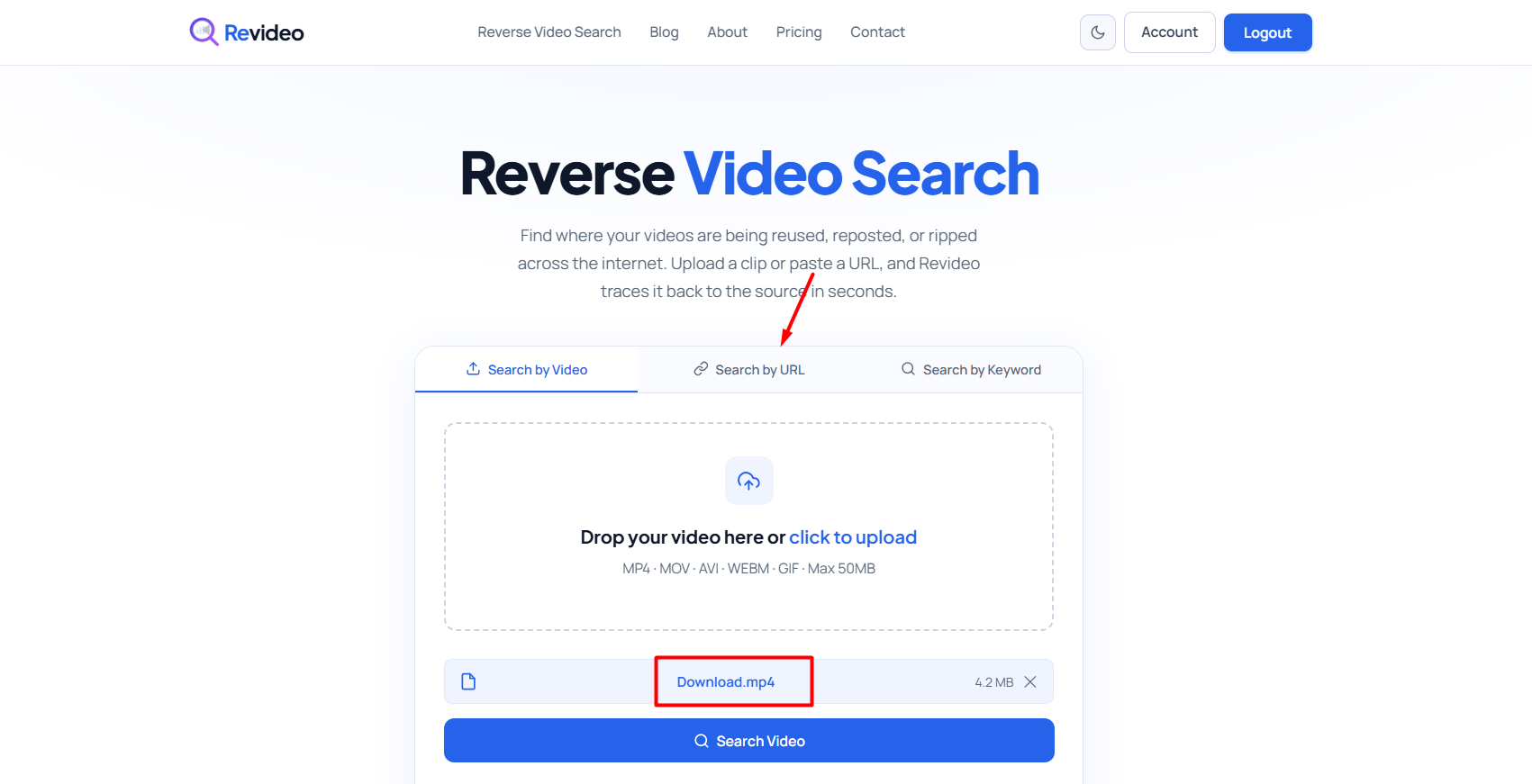
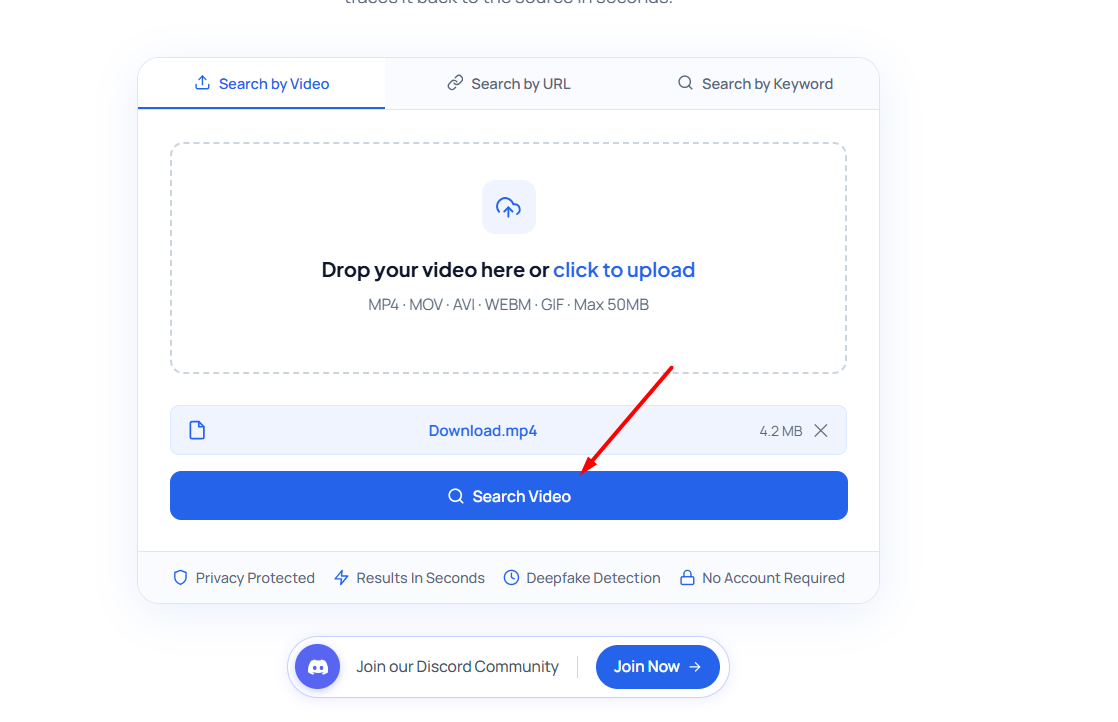
Upload your video or copy/paste the TikTok video URL in the given area.
-
After that, click “Search Video” and the tool will find similar videos online.
-
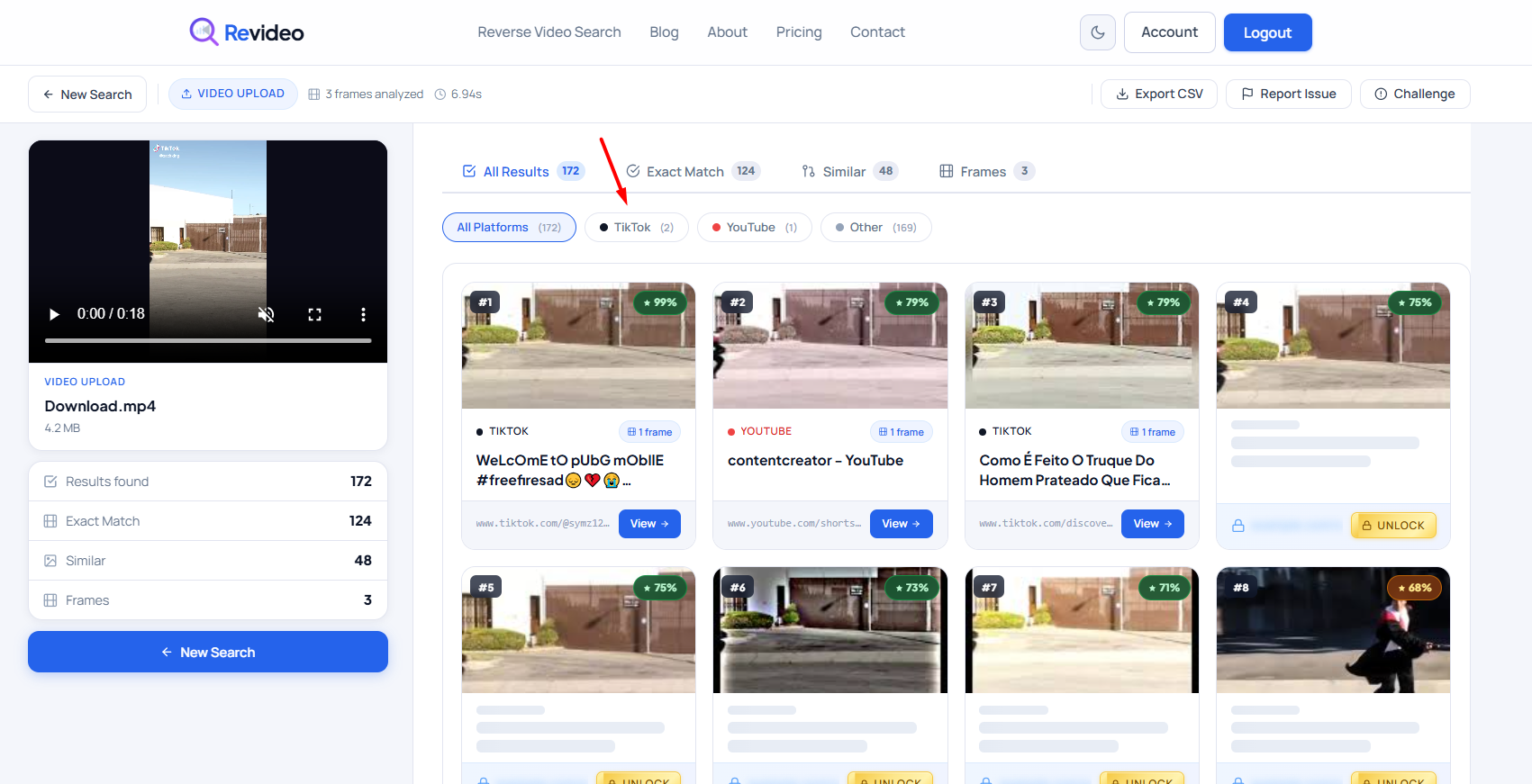
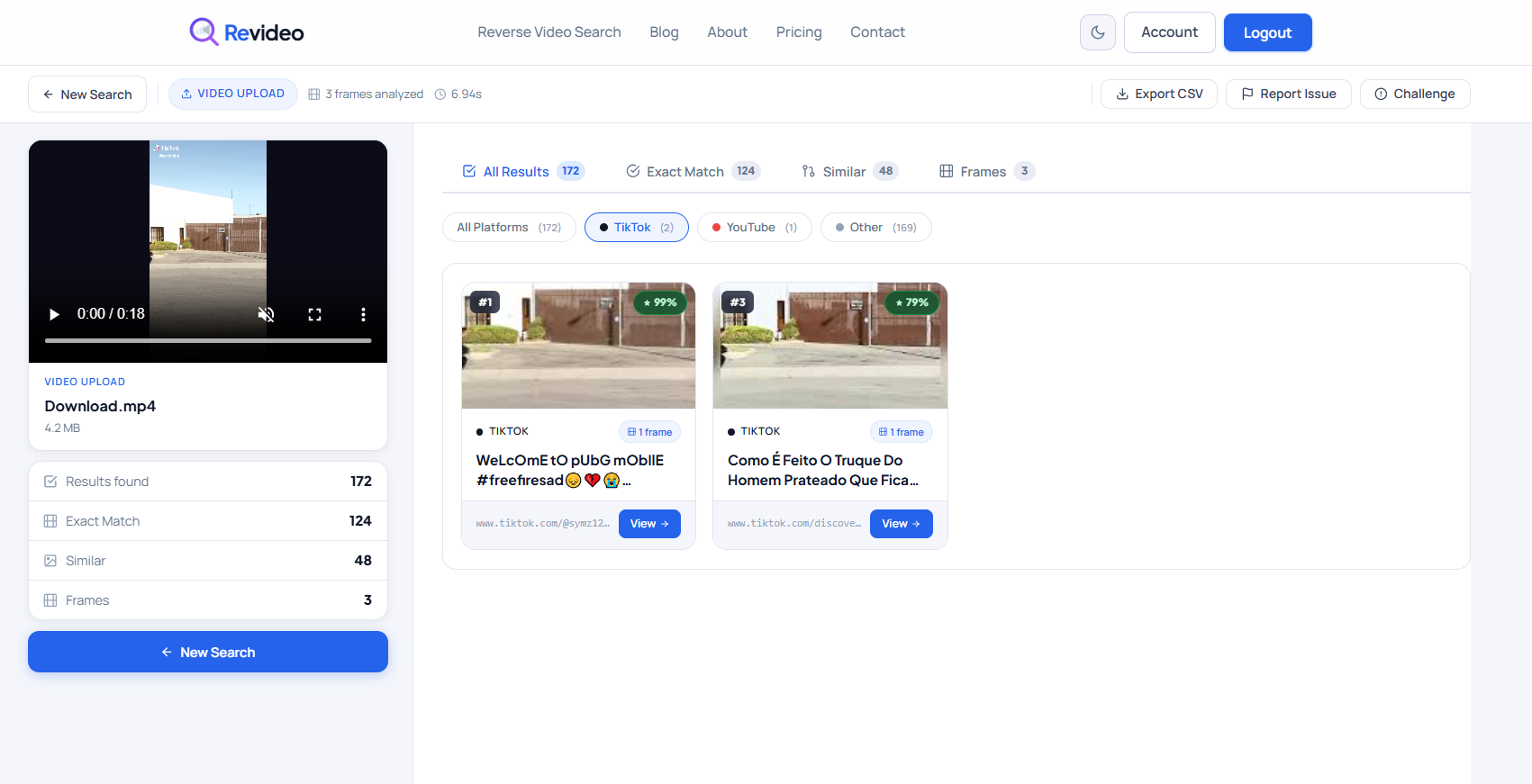
On the result page, pick “TikTok,” and Revideo will only list similar results discovered on TikTok.
-
That’s how you can find the source of a video online.
Limitations
- Only scan and find identical matches across the indexed data.
- Unable to detect private or deleted TikTok videos.
-
Read the Caption or Pinned Comment
Many users who repost someone else’s content mention or tag the original creator in the caption or pinned comment to give proper credit. And most of the time, the real owner also comments on the reposted video and asks for credit.
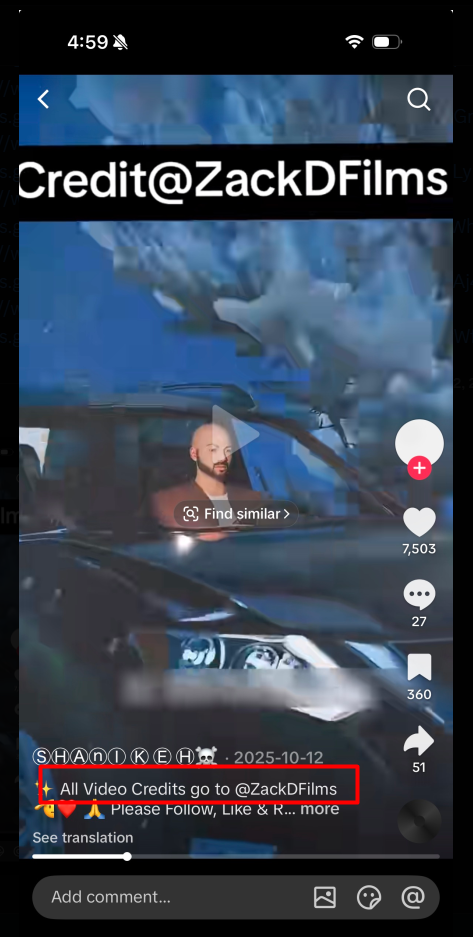
Because TikTok has strict policies against unauthorized reposts. If someone tries to post a video of another person, the platform can take immediate action and bring it down. So, to avoid removal, people tag the TikTok ID of the original creator for citation.
Limitations
-
Tagged accounts can be incorrect or misleading, so they should be verified.
-
Original creator comments may be buried among thousands of comments.
Which Method is Best for Finding the Source of a TikTok Video
Here’s a quick comparison of all the above methods to trace the TikTok video source online. Pick the method that offers the highest accuracy and reliability for your needs.
|
Method |
Best For |
Speed |
Accuracy |
Reliability |
|
Hashtags |
Recent reposts |
Fast |
Medium |
Medium |
|
Audio |
Same sound |
Moderate |
Medium |
Medium |
|
Revideo |
Original & duplicate videos |
Very Fast |
High |
High |
|
Caption |
Credited reposts |
Slow |
Medium |
Medium |
Common Mistakes to Avoid When Finding the Source of a TikTok Video
Here are some common reasons why reverse video search fails to trace the TikTok video source online.
- Avoid uploading low-quality or blurry videos because frame details become harder to match, reducing search accuracy.
- Remove the intro and outro from the clip before performing a reverse video search. Because these are the same across all TikTok videos and can lead to irrelevant search results.
- Don’t use screen-recorded clips to perform reverse video search. Because the UI of the device will also appear in the recording, it can alter the frames.
- Reverse video search does not work on private TikTok videos. So, if the owner has deleted the video or made it private, you can’t trace its source.
Wrapping Up
Finding the original source of a TikTok video is easier when you know where to look. During our testing, we found that hashtag searches worked well only for recently reposted videos, while reverse video search produced more consistent results across multiple platforms. For the most accurate results, combine multiple methods instead of relying on just one. This not only helps you find the original upload but also ensures proper credit is given to the rightful creator. If you're interested in learning more about video verification, check out our guide on how Reverse Video Search Works.
Frequently Asked Questions
Below are some commonly asked questions regarding how you can track the original source of a TikTok video.
-
Does TikTok show who uploaded a video first?
Yes, TikTok also shows the original creator of the video. To check, click on the audio icon, and you will see the “Original” tag on the first video. That shows who owns the video and when it was uploaded on TikTok.
-
What if Revideo shows no results?
If Revideo shows no results, that means there are no duplicate videos published. Or it could be because the video is private and is not available publicly.
-
What is the fastest way to find the source of a TikTok video?
The quickest and most reliable way to see the original post of any TikTok video is by using Revideo. This free reverse video finder instantly analyzes multiple frames within the clip and checks if there are any duplicate matches available online.
-
How can I verify that I’ve found the real original creator?
To ensure you have found the real owner of the clip, compare the upload dates, check the audio, review the creator’s profile for similar content, check engagement patterns, and see whether other users credit that account as the original source. Multiple pieces of evidence together provide the strongest confirmation.
-
Can I find deleted TikTok videos?
No, you can’t find a deleted video even with the reverse video search technique. If the owner has deleted the video from their TikTok account or made it private, then there’s no way you can find it.
-
Why is it difficult to find the original source of a TikTok video?
Finding the original source of a TikTok video is difficult because there are too many unauthorized reposts. When people upload the same clip on their profiles without credits, it makes it harder to find the original creator of the clip.